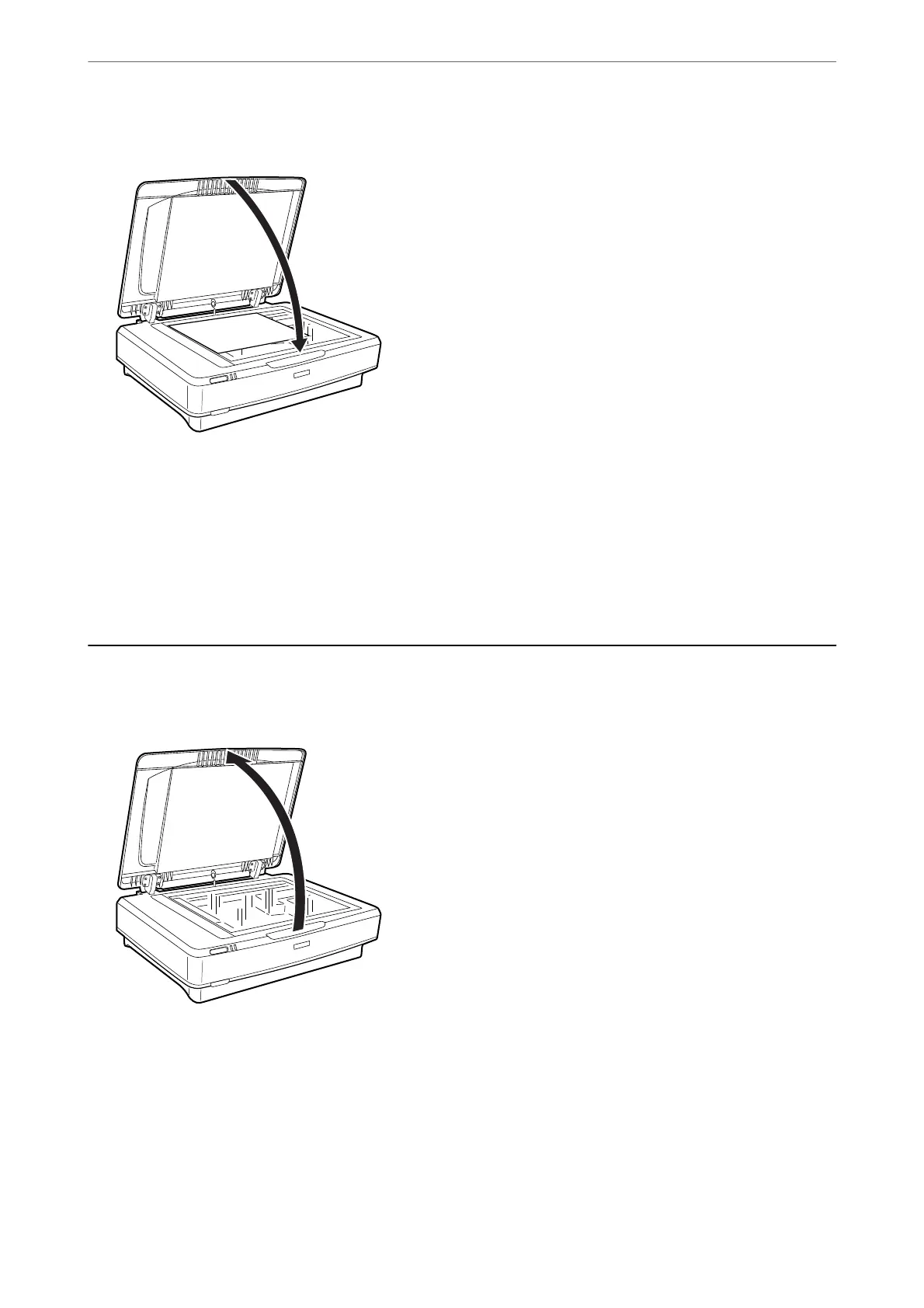
3. Close the document cover gently so that your original does not move.
Note:
❏ Always keep the scanner glass clean.
❏ Do not leave originals on the scanner glass for an extended period of time as they may stick to the glass.
Related Information
& “Basic Scanning” on page 18
Placing Large or Thick Originals
1. Open the document cover.
Placing Originals on the Product
>
Placing Large or Thick Originals
15















 To Next Page