Placing Originals on the Product
c
Important:
Do not place heavy objects on the scanner glass and do not press the glass with too much force.
Placing Originals
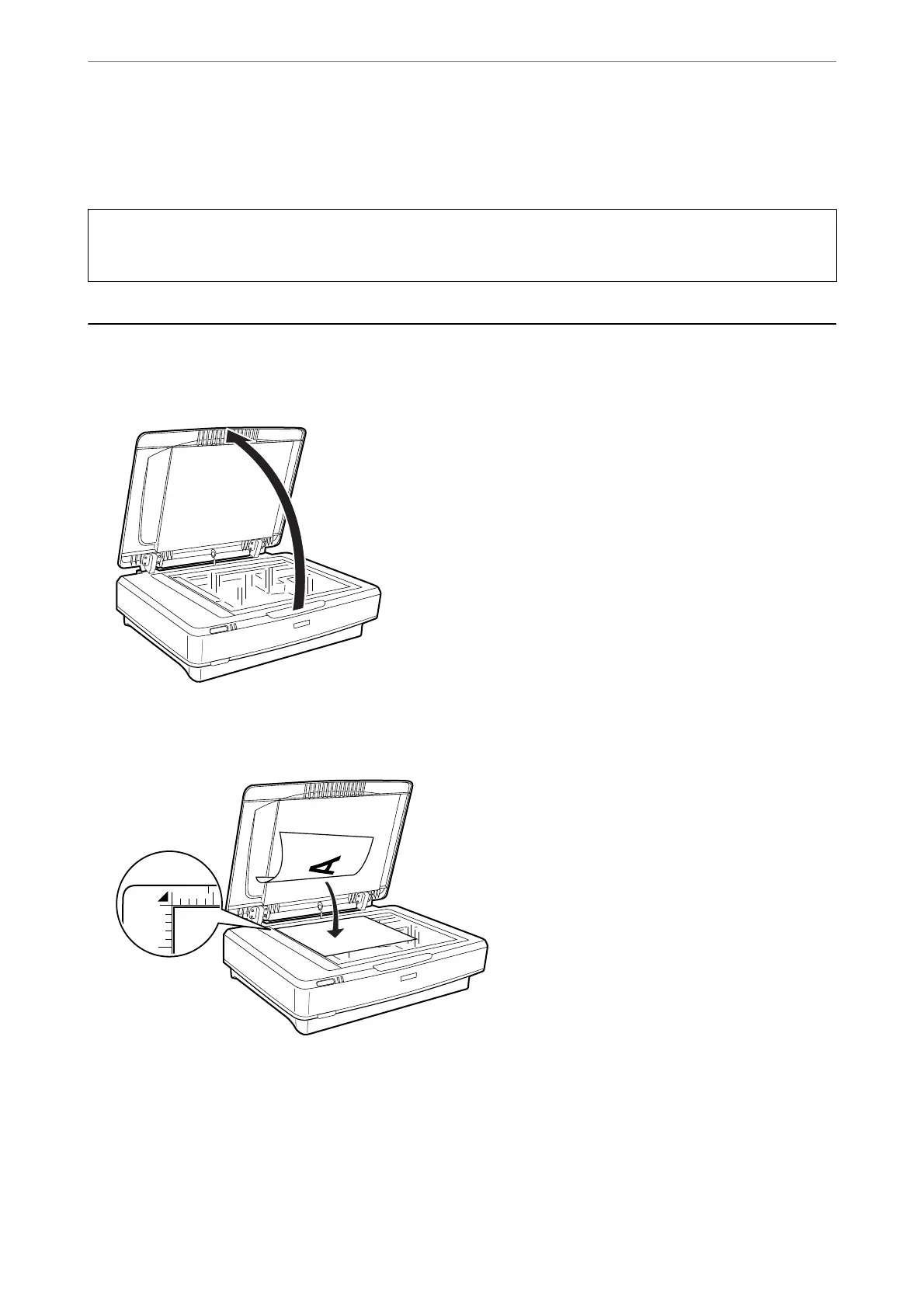
1. Open the document cover.
2. Place your original face down on the scanner glass making sure the top corner of the side you want to scan is
aligned with the
d
mark.
Note:
If you are scanning multiple originals at once, position each original at least 0.8 inch (20 mm) apart from the others.
Placing Originals on the Product
>
Placing Originals
14















 To Next Page