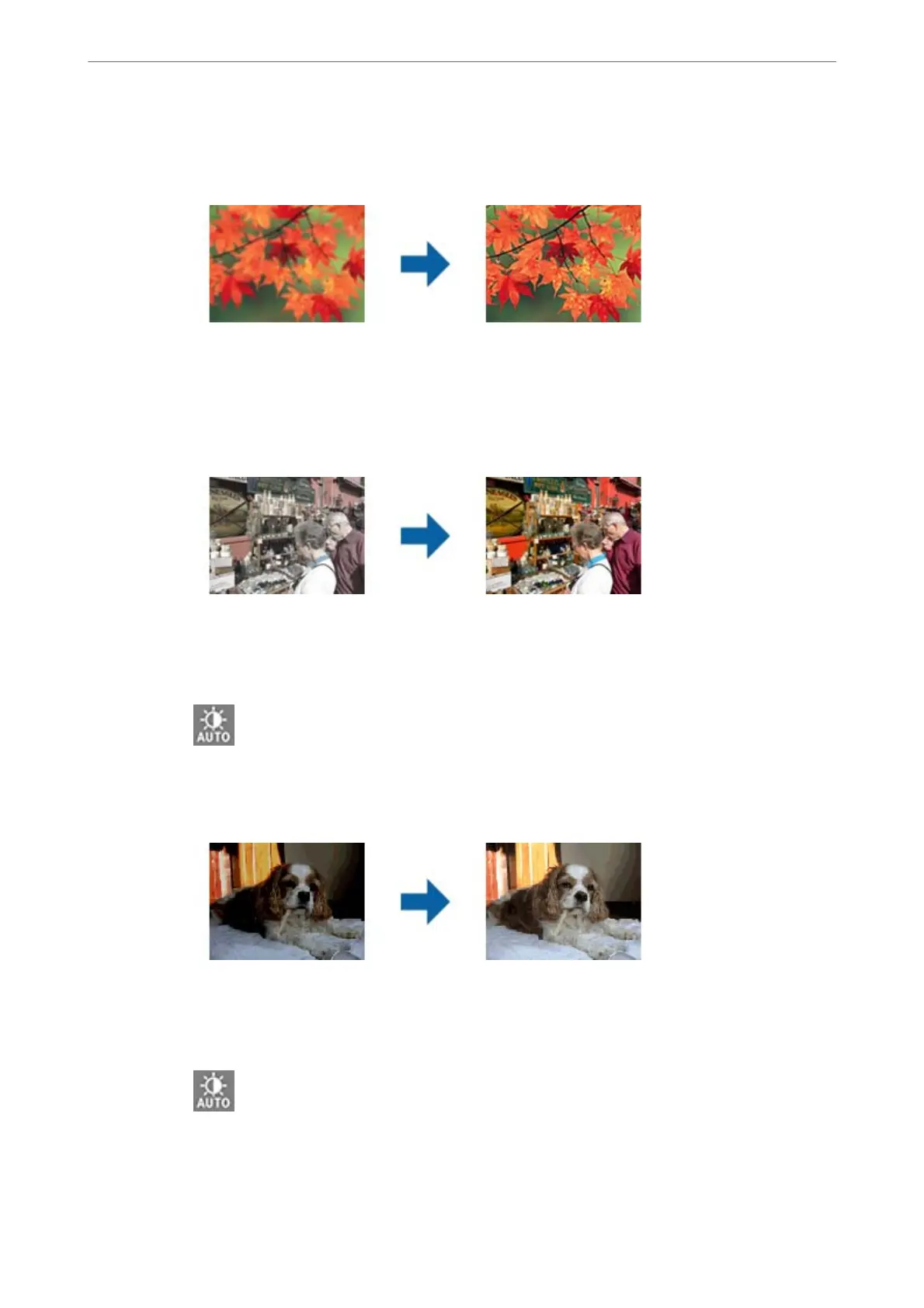
Unsharp Mask
You can enhance and sharpen the outlines of the image.
Note:
is feature is not available when selecting the Main Settings tab > Image Type > Black & White.
Color Restoration
You can correct images and film that have faded to return them to their original colors.
Note:
❏ Depending on the state of the original, it may not be corrected correctly. In this situation, adjust from the
Detailed Adjustments screen.
❏ When adjusting image quality on the Detailed Adjustments screen aer previewing an original, press the
(Auto Exposure) button on the preview screen.
Backlight Correction
You can lighten images and film that are dark due to backlight.
Note:
❏ Depending on the state of the original, it may not be corrected correctly. In this situation, adjust from the
Detailed Adjustments screen.
❏ When adjusting image quality on the Detailed Adjustments screen aer previewing an original, press the
(Auto Exposure) button again on the preview screen.
Advanced Scanning
>
Image Adjustment Features for Photo Mode
31















 To Next Page