Advanced Scanning
Image Adjustment Features for Photo Mode
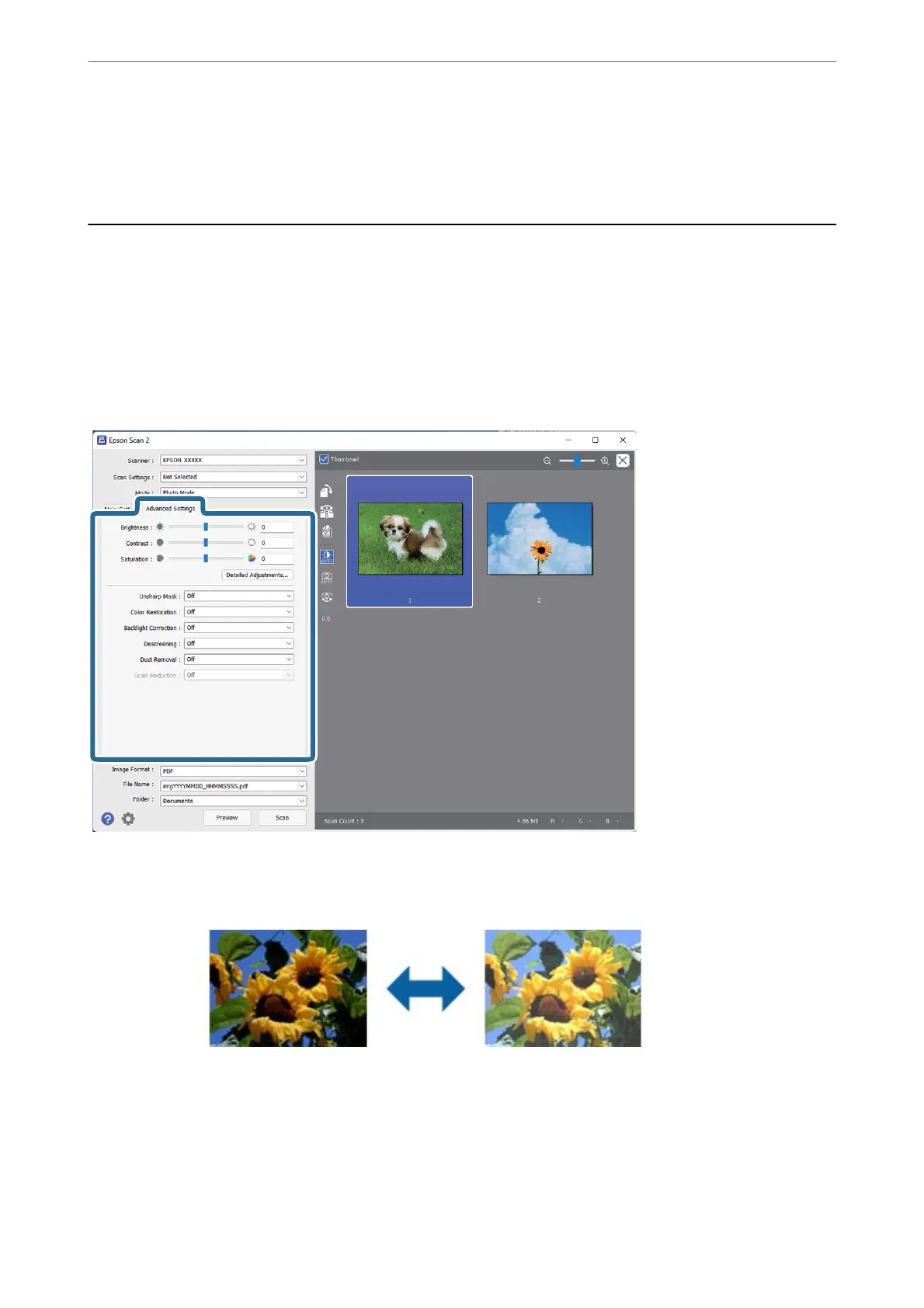
You can adjust scanned images using the features on the Advanced Settings tab in Epson Scan 2.
For Photo Mode, you can use image adjustment features that are suitable for photos or pictures.
For most features, you can check the adjustment results in the preview window.
Note:
Some items may not be available depending on other settings you made.
Brightness
You can adjust the brightness for the whole image.
Note:
is feature is not available depending on the settings on the Main Settings tab > Image Type or the settings
on the Advanced Settings tab.
Advanced Scanning
>
Image Adjustment Features for Photo Mode
27















 To Next Page