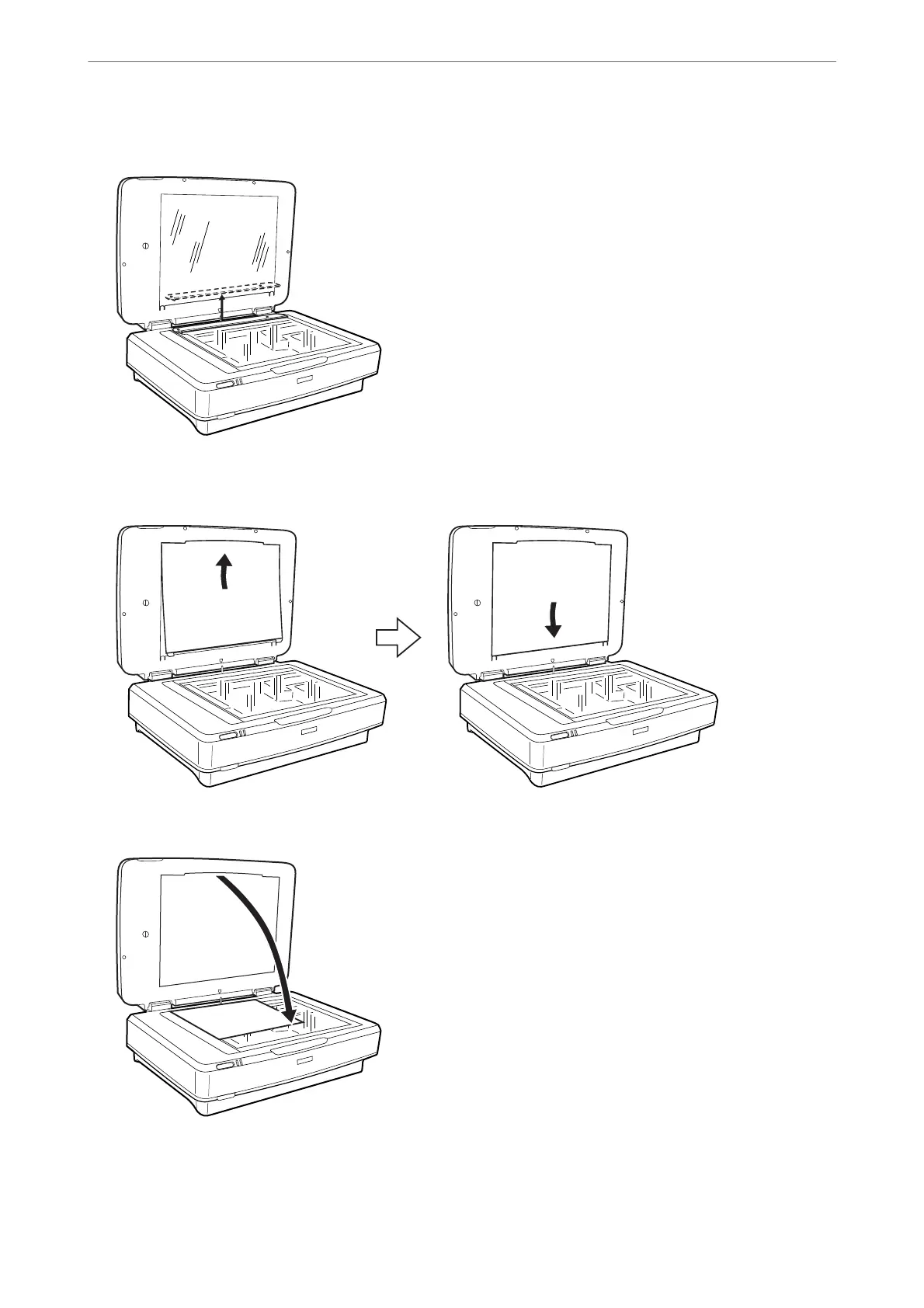
1. Open the Transparency Unit, and then remove the transparency guide from the scanner glass.
2. Slide the mat into the upper side, and then insert the tabs into the slots on the lower side slots on the
Transparency Unit.
3. Place your document on the scanner glass, and then close the Transparency Unit.
Using the Transparency Unit
>
Using the Transparency Unit to Scan
>
Scanning reflective (non-film) originals
49















 To Next Page