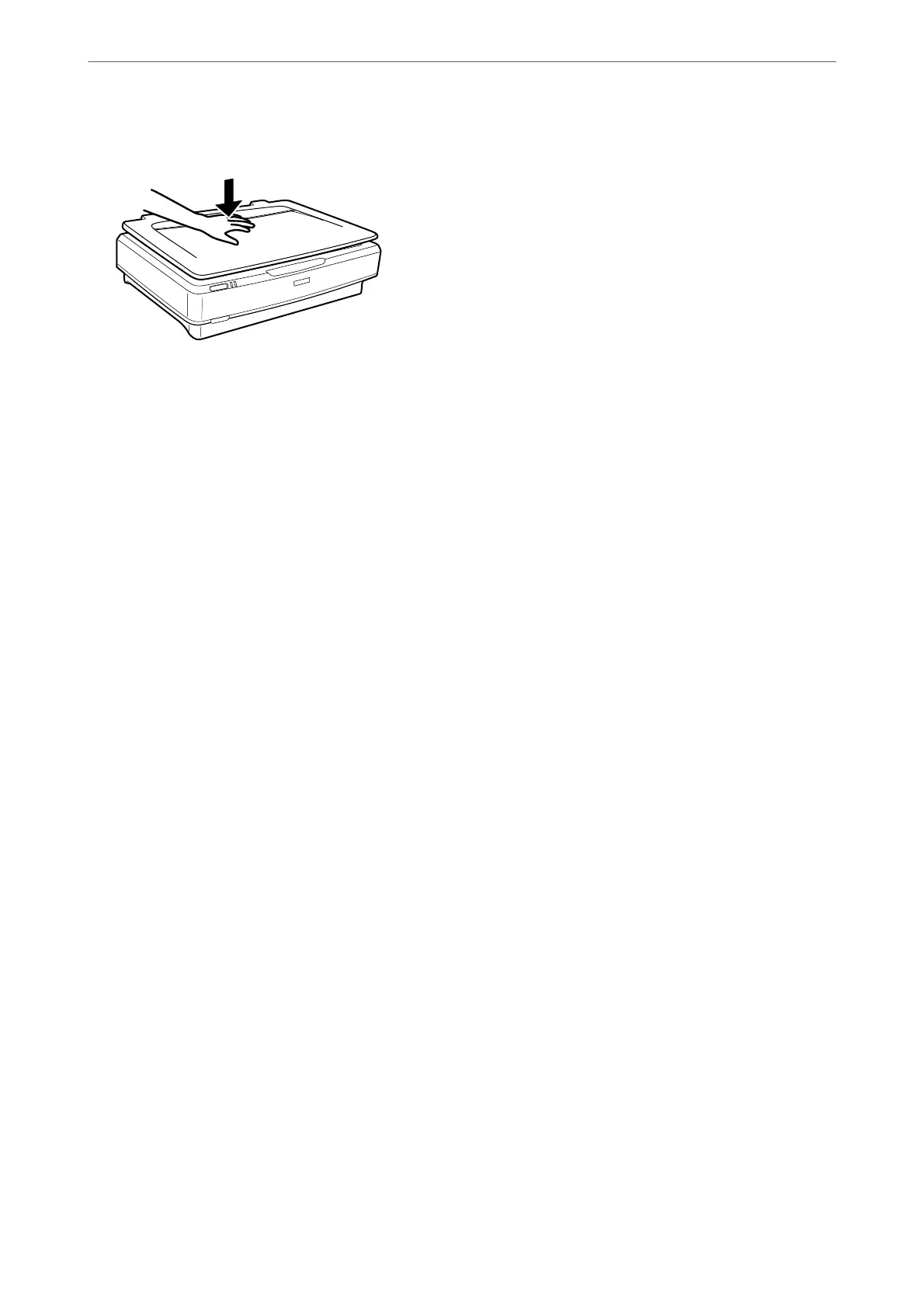
3. Close the document cover and hold it down firmly as you scan.
Note:
❏ When scanning without the document cover, gently press down on your original to atten it.
❏ If your original is very thick or curled at the edges, cover the edges with paper to block external light as you scan.
Related Information
& “Basic Scanning” on page 18
Placing Originals on the Product
>
Placing Large or Thick Originals
17















 To Next Page