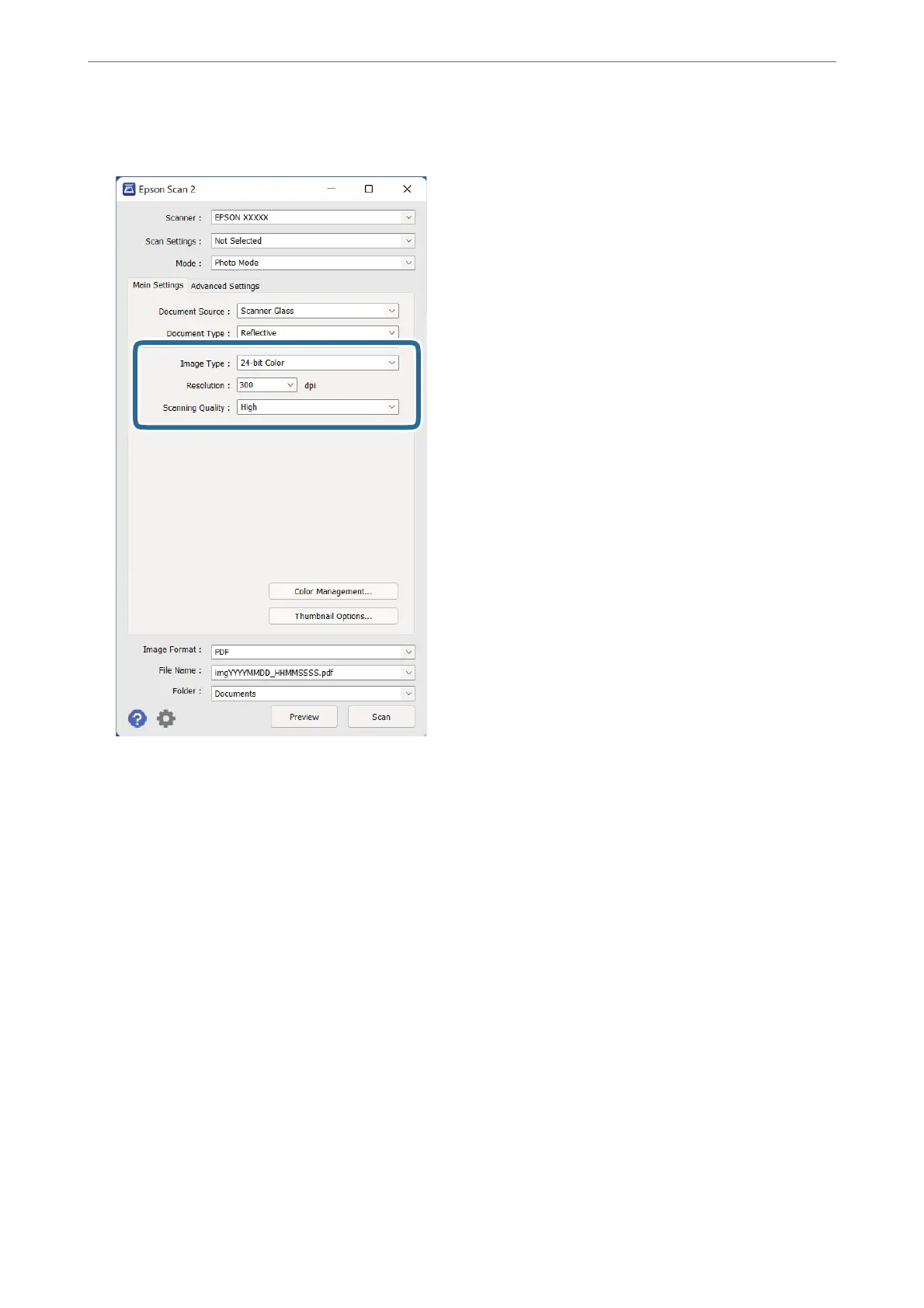
4. Make the following settings on the Main Settings tab.
❏ Image Type: Select the color for saving the scanned image.
❏ Resolution: Select the resolution.
❏ Scanning Quality: Select the quality.
Note:
❏ When scanning lms using the Transparency Unit, set the Document Source and Document Type as well.
❏ Scanning in monochrome (black and white binary) is unavailable in Photo Mode. To scan in monochrome, select
Document Mode.
Basic Scanning
>
Scanning Using Epson Scan 2
>
Scanning Photos or Pictures (Photo Mode)
19















 To Next Page