126
• Mac: In the Apple menu or the Dock, select System Preferences. Select Print & Fax, Print &
Scan, or Printers & Scanners, select your product, and select Options & Supplies. Select
Utility and select Open Printer Utility.
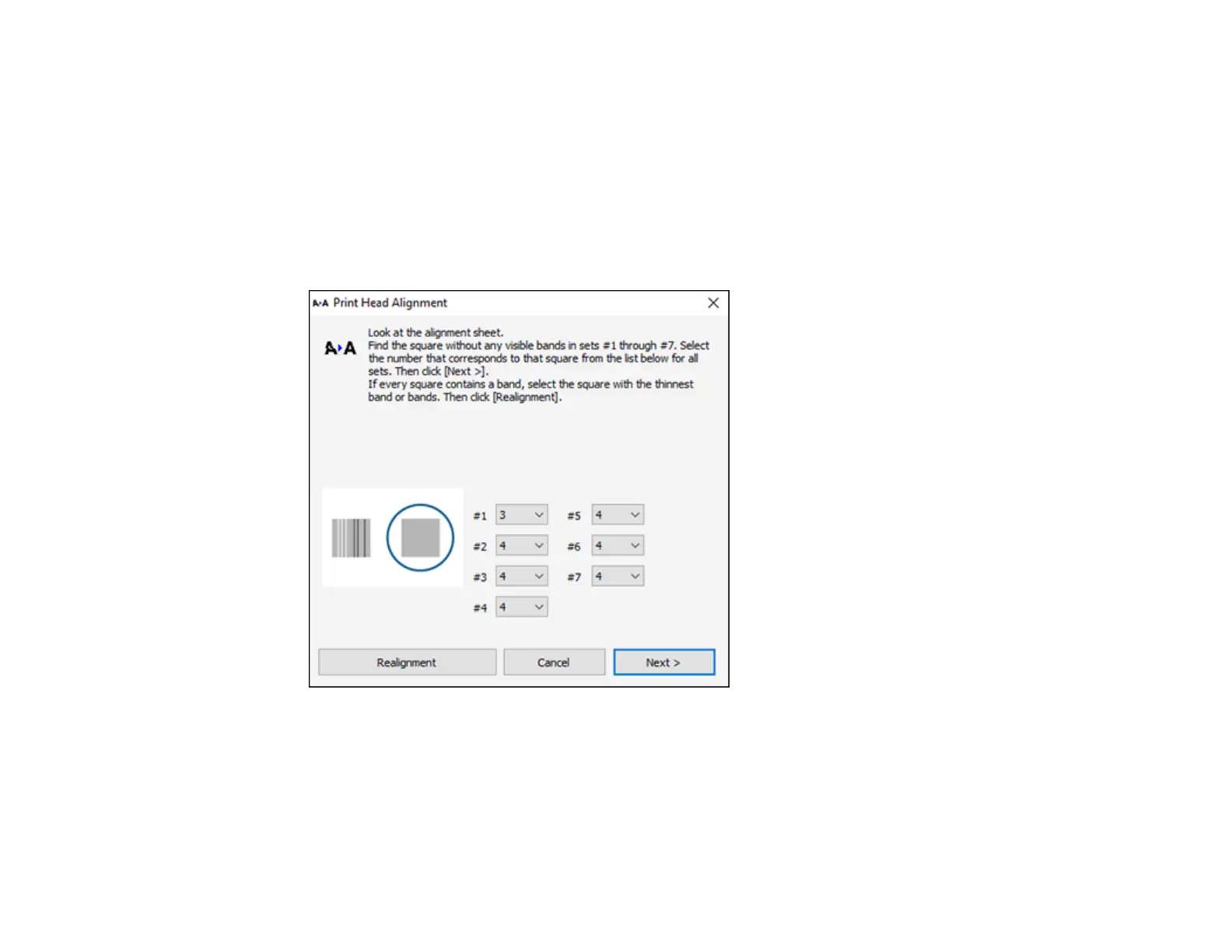
3. Select Print Head Alignment.
4. Click Next, then click Print to print an alignment sheet.
Note: Do not cancel printing while you are printing a head alignment pattern.
You see a window like this:



 To Next Page