45
4. Select Network Configuration and press Enter.
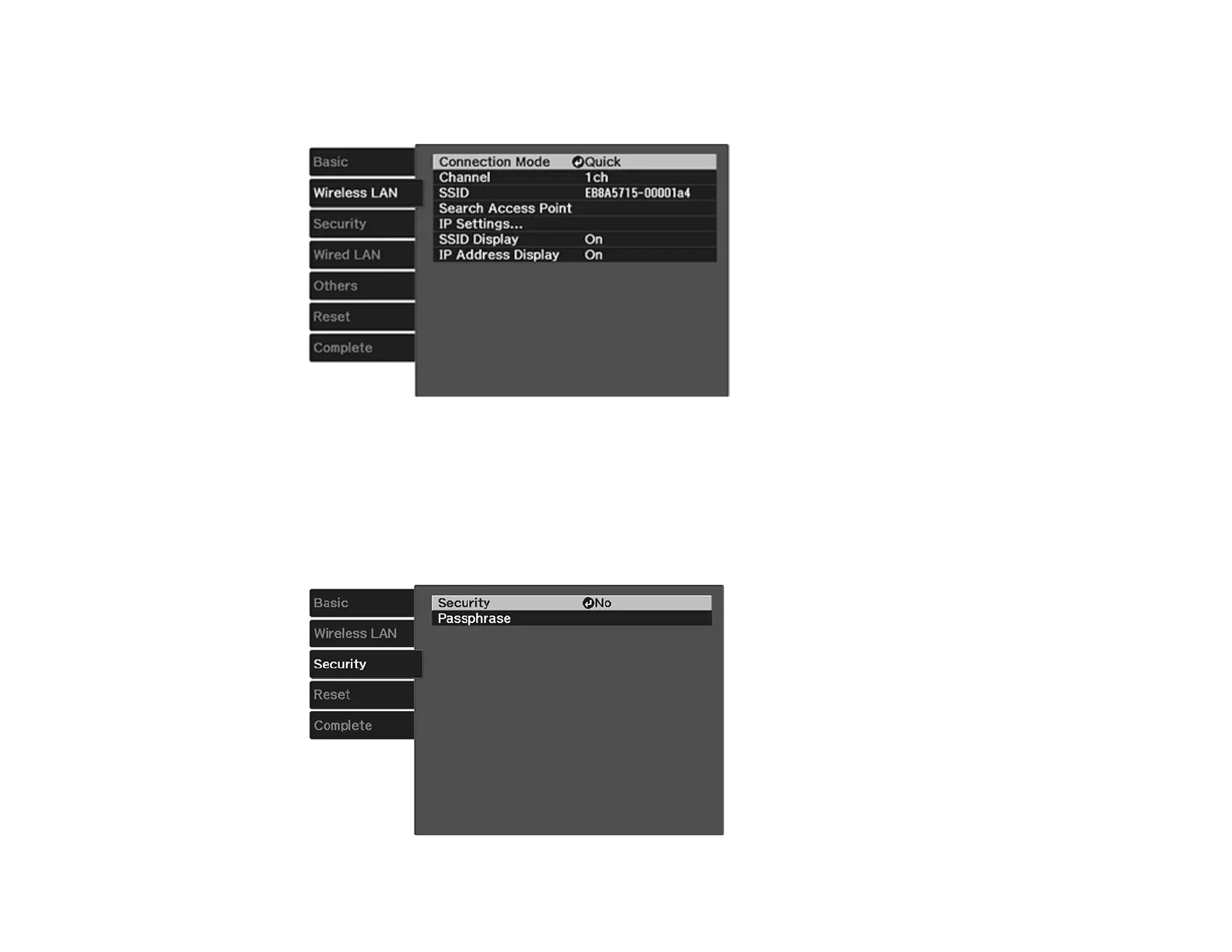
5. Select the Wireless LAN menu and press Enter.
6. Select Advanced as the Connection Mode setting and press Enter.
7. Select Search Access Point and press Enter.
8. Select the name of the wireless network you want to connect to and press Enter.
9. If the network has security enabled, enter the wireless password.
You see a screen like this:












 To Next Page