56
2. Set the image source on the projector to HDMI.
3. Project a 3D image.
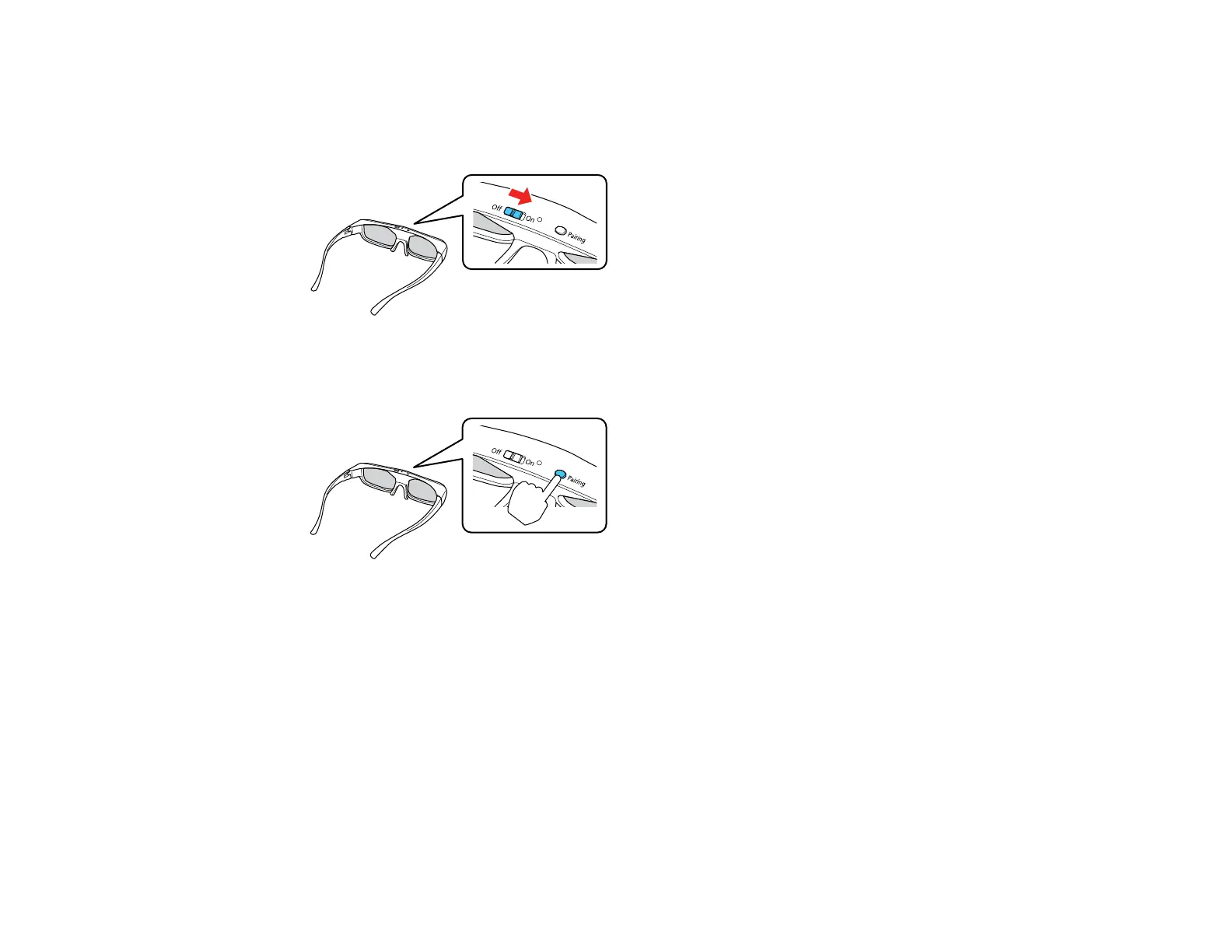
4. Slide the power switch on the 3D glasses to the On position.
5. Move the glasses within 10 feet (3 m) of the projector and hold down the Pairing button for at least
three seconds.
The status light on the glasses flashes green and red. If pairing is successful, the light turns green
for 10 seconds and then turns off.
Parent topic: Viewing 3D Images
Charging the 3D Glasses
When the status light on the glasses flashes red to indicate a low battery, it is time to charge the glasses.





 To Next Page