SpectroProofer Mounter 24"/44" User’s Guide
How To Use
9
How To Use
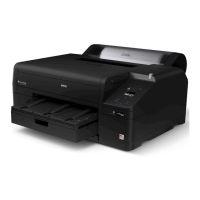
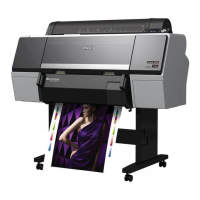
This product is the automated color measurement system used by mounting the Epson Stylus Pro
9900/7900/9910/7910.
The printer driver must be installed on the computer.
To perform color measuring operation, install the SpectroProofer Utilities from the software CD-ROM,
bundled with this product.
Procedures
1. Confirming the printer setup See the SpectroProofer Mounter 24"/44" Setup Guide
Make sure to complete the printer setup (setting up the printer and installing the printer driver). Turn
on the printer and make sure it is in the ready state.
2. Initial settings of SpectroProofer See “Making Initial Settings” on page 10
Performs the initial settings of SpectroProofer.
3. Color calibration See “Color calibration” on page 11
Calibrate your printer using Printer Linearization in the SpectroProofer Utilities.
4. Color measurement See “Preparing and executing a color measurement job” on page 12
Select a job by starting Preparing and executing a color measurement job in the SpectroProofer
Utilities.
When you start Job status confirmation on the SpectroProofer Utilities, you can check the status of the
current job.
See the online help for detailed information.


 To Next Page