Wireless Network Setup
35
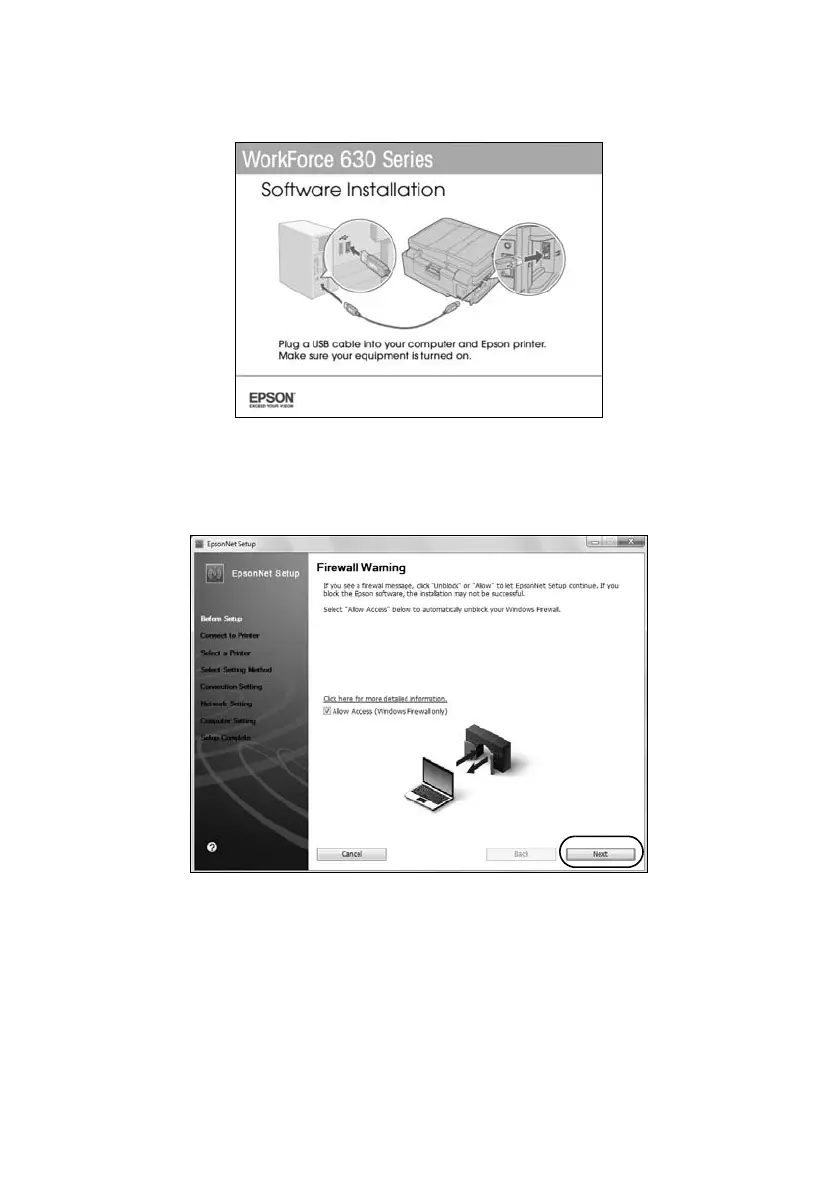
2. When you see this screen, connect the product to your computer with a USB
cable.
3. Follow the on-screen instructions to continue installing the software.
4. When you see the Firewall Warning screen, click
Next
.
Note:
If you see a firewall alert message, click Unblock or Allow to let EpsonNet Setup
continue. Do not select Ask Me Later, Keep Blocking, or Block.













 To Next Page