34
Wireless Network Setup
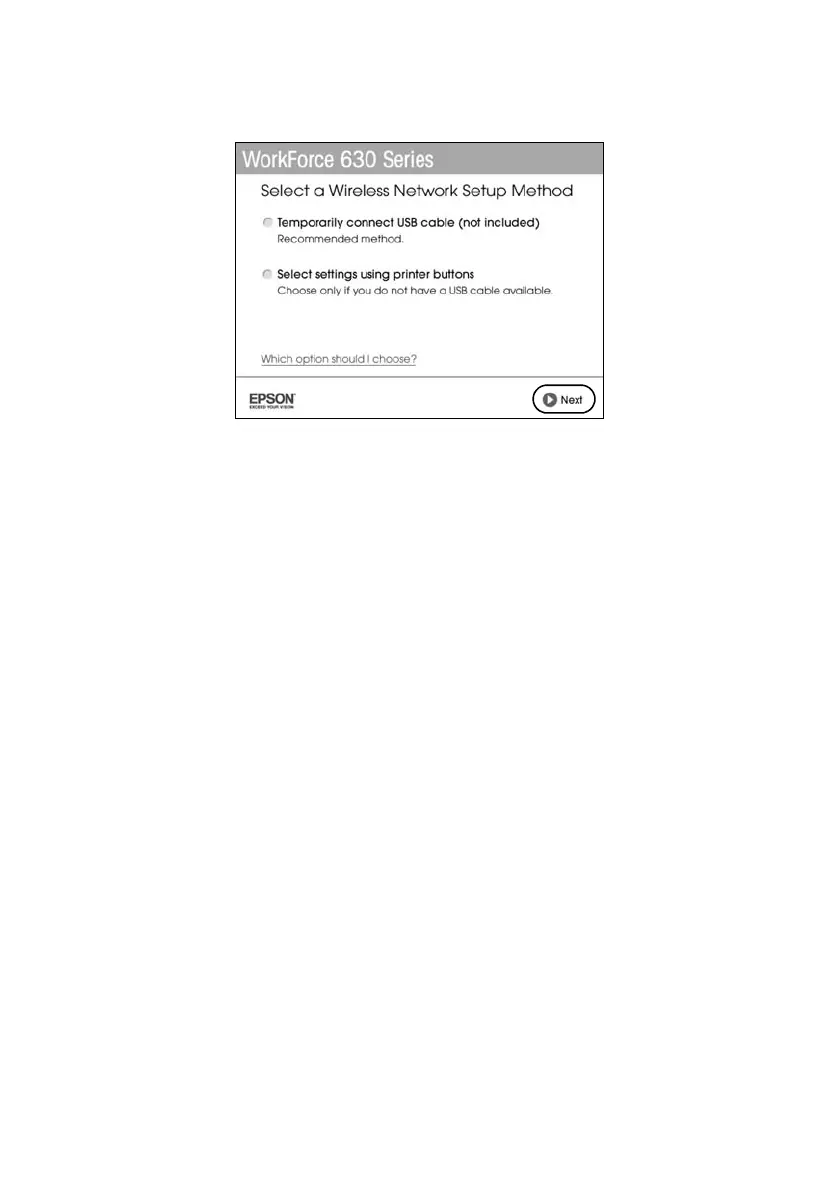
8. When you see this screen, select a wireless network setup method, then click
Next
.
Tip:
If you need help selecting a wireless network setup method, click Which option
should I choose for more information on setup methods.
9. At the next screen, click
Next
.
10. Do one of the following:
■ If you selected
Temporarily connect USB cable
, continue with
“Setting Up With a Temporary USB Cable” below.
■ If you selected
Select settings using printer buttons
, continue with
“Setting Up With the Product Buttons” on page 38.
Setting Up With a Temporary USB Cable
Do not connect the USB cable to your product until instructed to do so in the
on-screen instructions.
1. Wait while the software is installed.













 To Next Page