QX50/QX200/QX2000; (SW Version 6.0.x) 29
QX50/QX200/QX2000 Manual I: Installation Guide
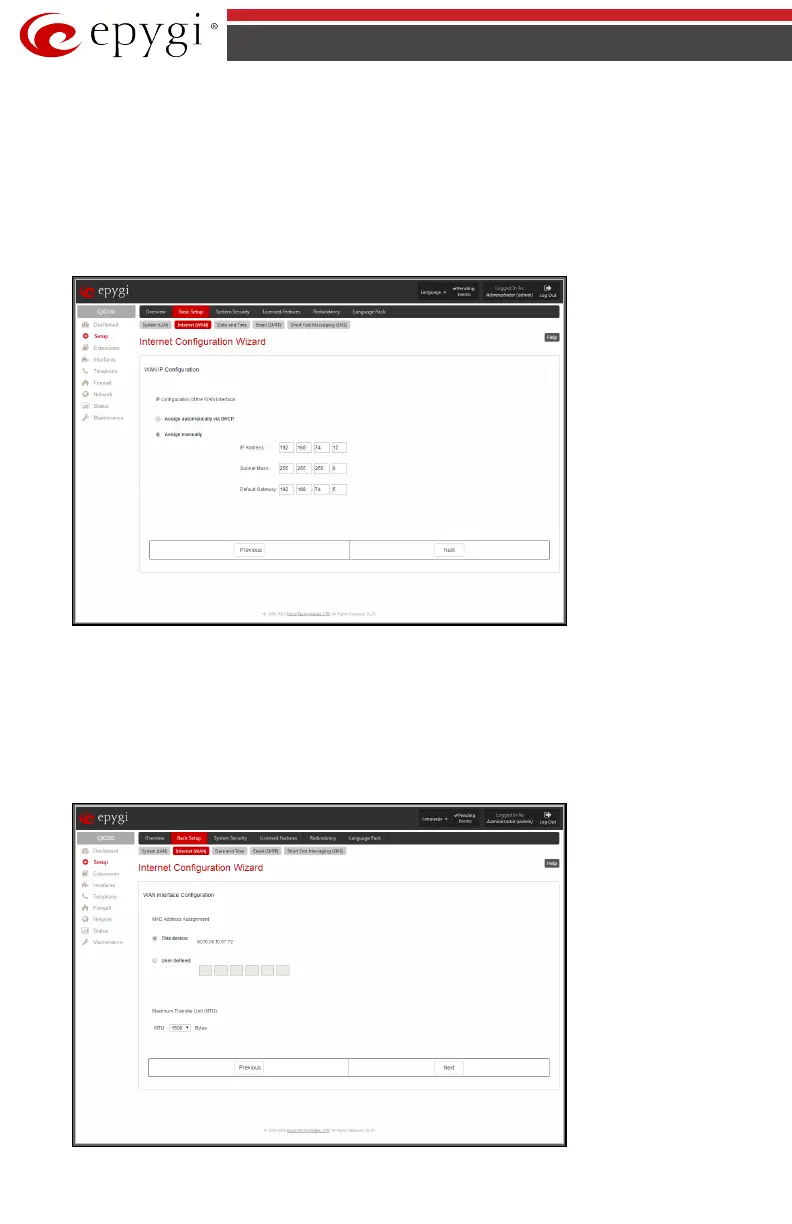
WAN IP Configuration
Your Internet Service Provider (ISP) should provide this information.
• Assign automatically via DHCP - The parameters are set automatically by the ISP. This
is common with cable modem and DSL service.
• Assign Manually requires the administrator to enter the external IP Address, the cor-
responding Subnet Mask, and the IP address of the Default Gateway. This is common
when you have a static IP address with your ISP.
Fig.I- 21: WAN IP Configuration page
Click on Next to display the WAN Interface Configuration page.
WAN Interface Configuration
If your ISP requires a specific MAC address (for example, for authentication), it can be entered
on this page. The required MAC address can be entered into the User defined field. If a specific
MAC address is not required, leave the default selection This device selected.
Fig.I- 22: WAN Interface Configuration page



 To Next Page
 Loading...


