QX50/QX200/QX2000; (SW Version 6.0.x) 43
QX50/QX200/QX2000 Manual I: Installation Guide
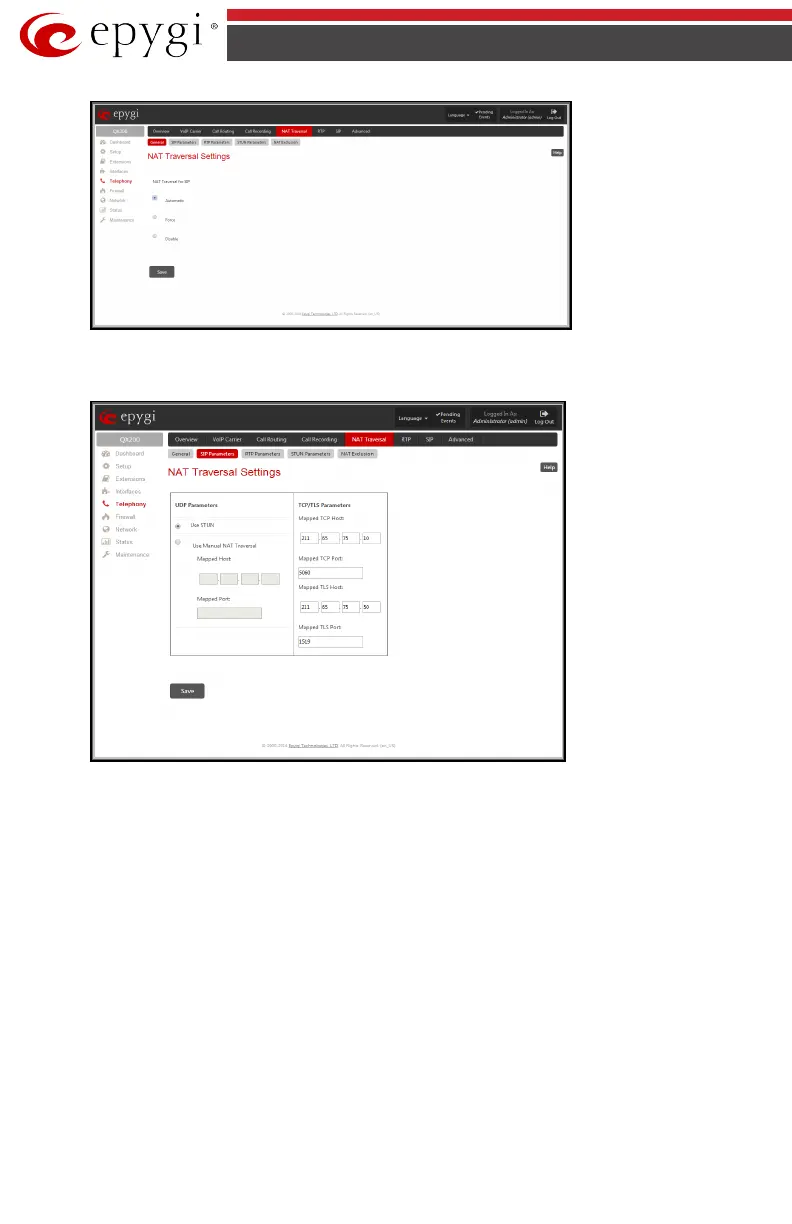
Fig.I- 33: NAT Traversal – General Settings page
• Go to the SIP Parameters page.
Fig.I- 34: NAT Traversal - SIP Parameters page
Select Use Manual NAT Traversal and enter the WAN IP address of the router into the
Mapped Host text field. For Mapped Port, enter the router's corresponding port number,
in this case 5060. Save the entries.
• Go to the RTP Parameters page and select Use Manual NAT Traversal.



 To Next Page
 Loading...


