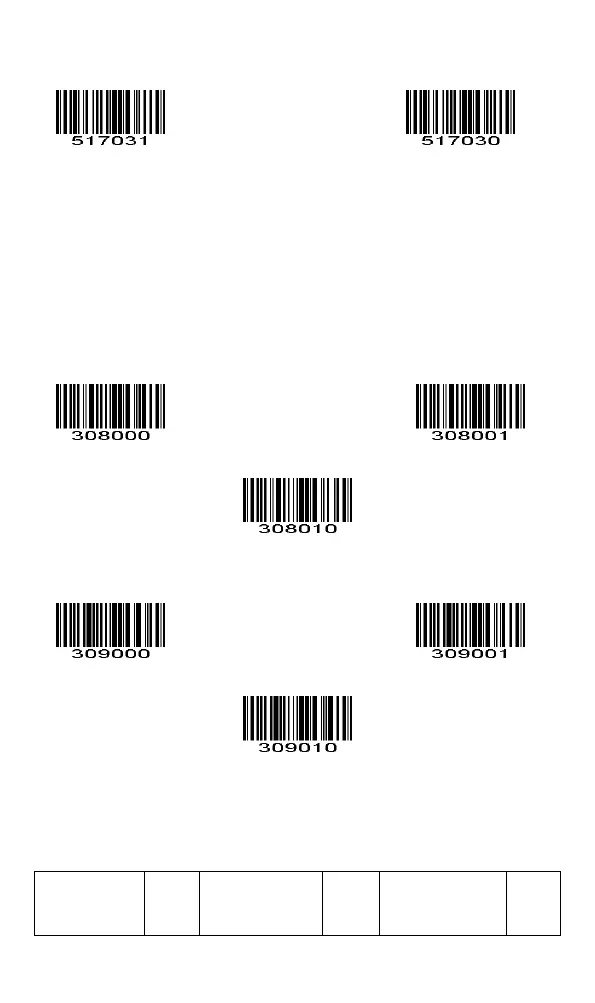
Open *Close
3.Advanced setting options for the barcode
3.1 Add a prefix / suffix (H)
(1) Add a prefix
Turn off the custom prefix Turn on the custom prefix
Set the custom prefix content H (up to 10 characters)
(2) Add the suffix
Close the custom suffix Open the custom suffix
Set the custom suffix content H (up to 10 characters)
3.2 Barcode ID setting
(Reference Table 2 for the default barcode type.



 To Next Page