SECURITY
58
BusinessPhone 250 / BusinessPhone 50
Portable DT400 / DT410 / DT420 / DT430
LOCK PHONE
Note: To use this feature, you have to select a lock code first.
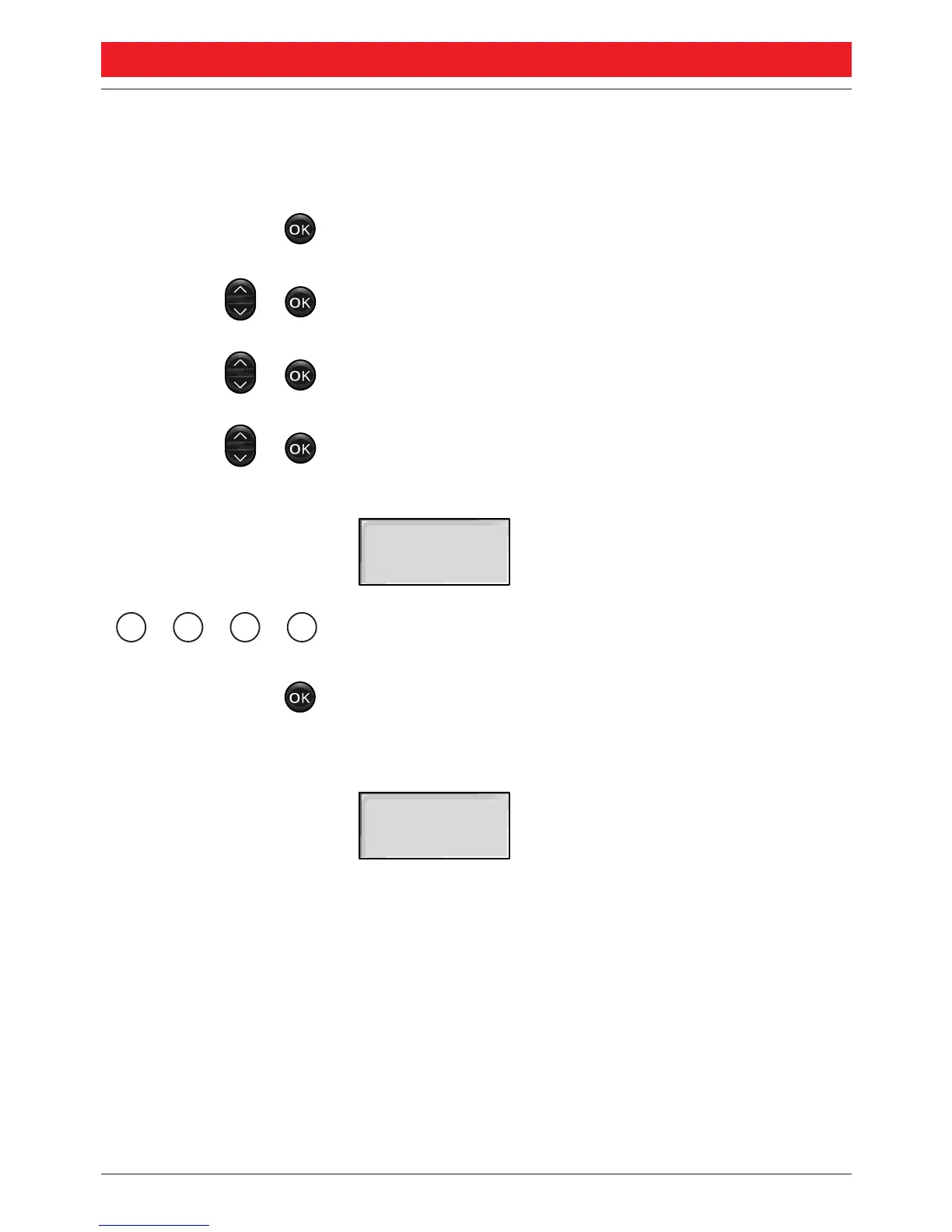
Press to enter the menu
Select “
44 SSeettttiinnggss
” and press
Select “
11 PPhhoonnee lloocckk
” and press
Select “
11 LLoocckk pphhoonnee
”and press
The display shows:
Enter your code (1 to 4 digits)
Press to confirm
Now your portable is locked. If you press a key,
the display will show:
To use your portable, you’ll have to enter the lock code, see
“Unlock phone”
PPhhoonnee lloocckkeedd
CCooddee::




 To Next Page