SETTINGS
68
BusinessPhone 250 / BusinessPhone 50
Portable DT400 / DT410 / DT420 / DT430
AUTOMATIC
KEY LOCK
You can set the keypad to lock after 20 seconds after the last
usage.
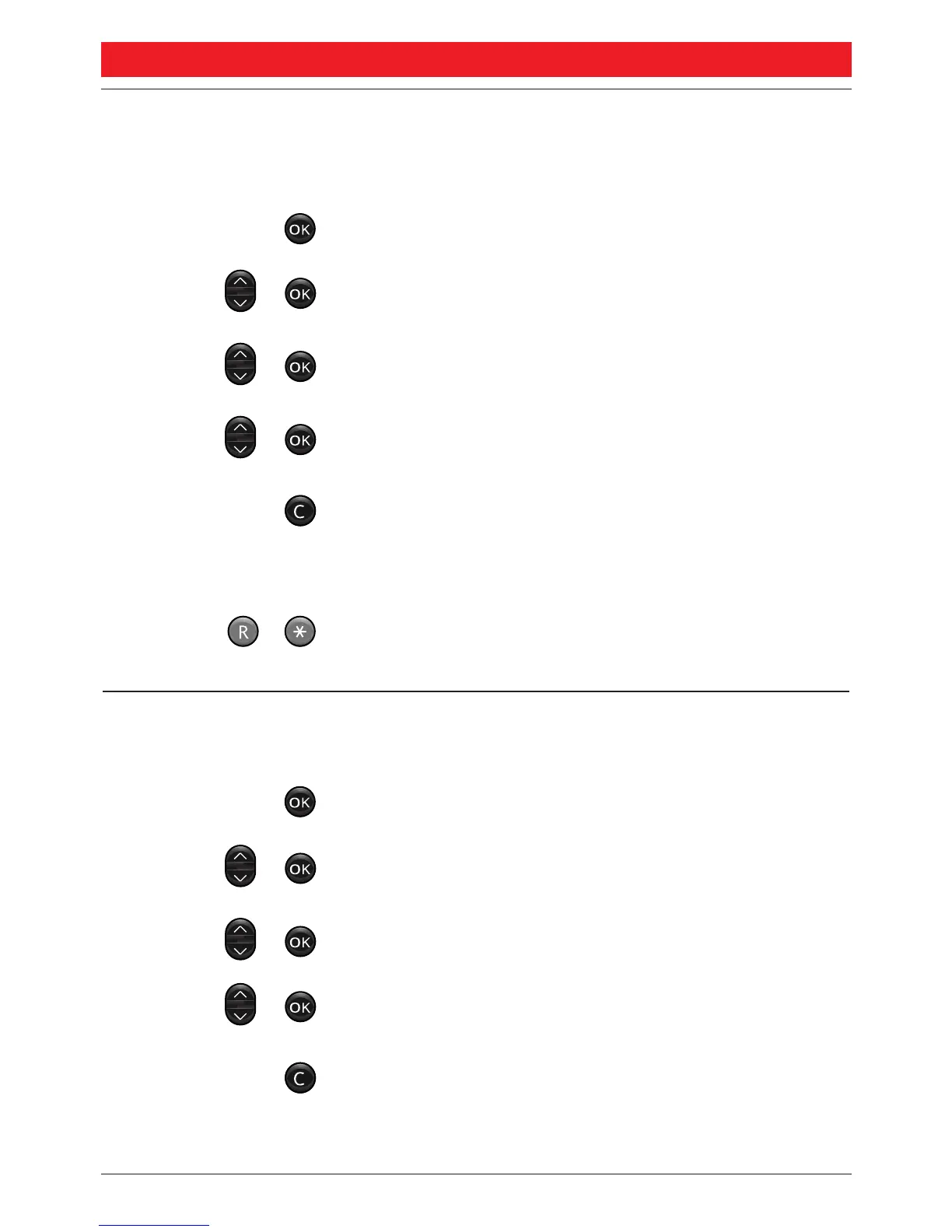
Press to enter the menu
Select “
44 SSeettttiinnggss
” and press
Select “
33 AAuuttoommaattiicc kkeeyy lloocckk
” and press
Scroll to choose between “
YYeess
” and “
NNoo
”
and press
Press to exit the menu
The automatic lock will be activated after 20 seconds.
To use your portable again:
Press to unlock
The portable is unlocked and you can make calls as usual.
KEY BEEP Use this feature to set if you want every keystroke to be
confirmed with a short tone or not:
Press to enter the menu
Select “
44 SSeettttiinnggss
” and press
Select “
44 KKeeyy bbeeeepp
” and press
Scroll to choose between “
YYeess
” and “
NNoo
”
and press
Press to exit the menu
Depending on the previous setting, the key beep will
be turned on or off.




 To Next Page