4.2 Configuration menu
The position of the adjustment switch determines the method of entering the configuration menu and its
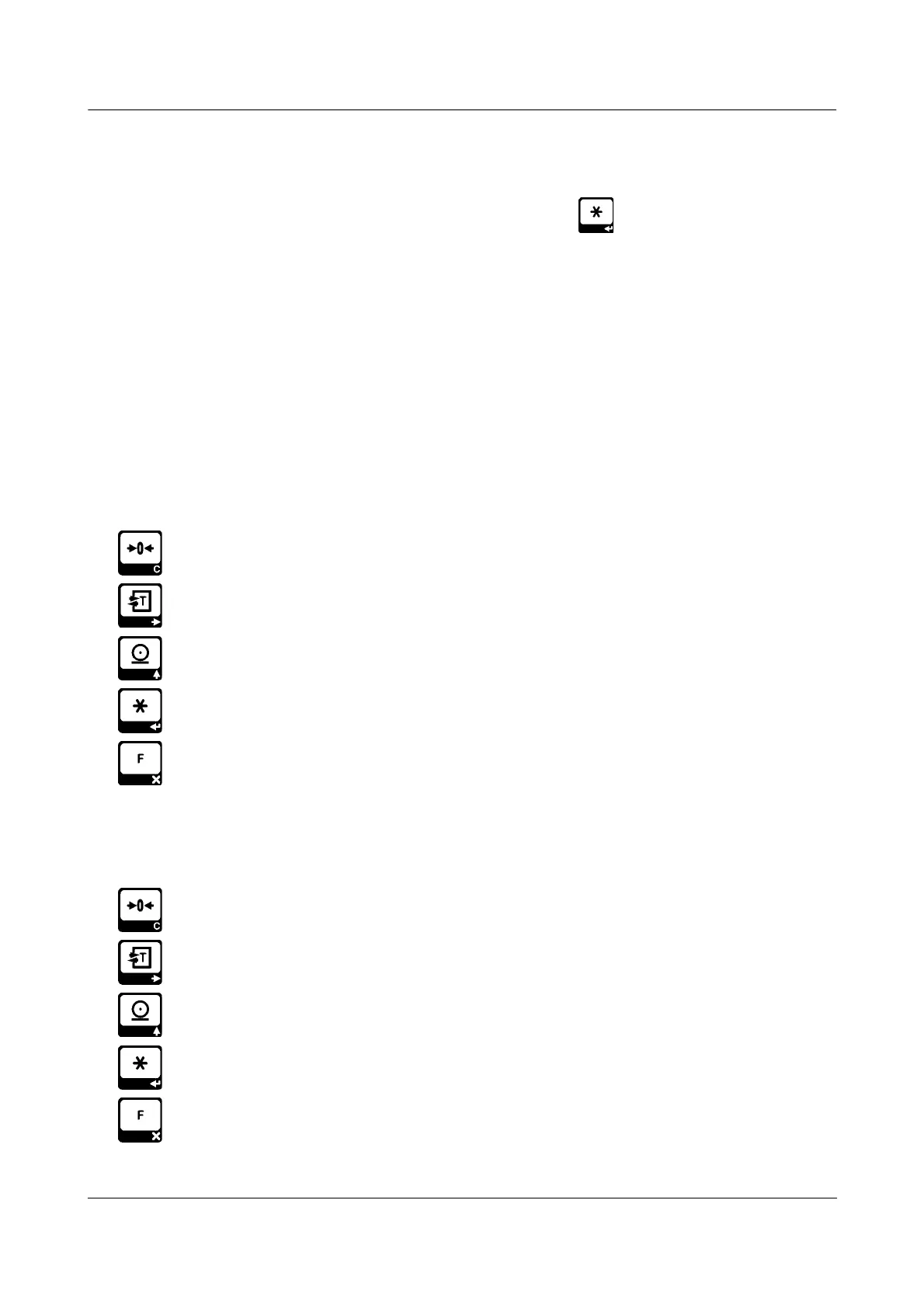
contents.If the adjustment switch is in “UNLOCKED” position, press key to enter configuration
menu. Contents of the menu:
pAR Weighing parameters
AyAr Adjustment ( Calibration )
tFon Miscellaneous Application Settings
Ser RS232 Serial Port Settings
Ser2 Usb Settings
Fab_aY Reset All Settings
The function of the keys inside the menu are:
Exit: Return to the weighing display.
Previous: Display the previous entry.
Nest: Display the next entry.
Enter: Enter the displayed sub-menu.
Cancel: Return to a higher menu level.
When user input is needed while changing a device setting, you are prompted to edit a numerical value.
For this purpose, a numerical value is displayed with a flashing digit. During the edit procedure the
function of the keys are:
Clear: The whole value is reset to zero.
Next digit: The flashing moves to the next digit at right. If the rightmost digit is flashing,
the flashing moves to the leftmost digit.
Increment digit value: Increments the value of the flashing digit by one. If the digit has
a value of 9 the value becomes 0.
Accept: Finish edit procedure by accepting the new value. If the new value is not
acceptable (e.g. out of limits) the edit procedure re-starts with the last value.
Cancel: Cancel current edit procedure, return to previous parameter editing (if any).
v1.00 Page 10


 To Next Page