4.6 Serial Output Settings
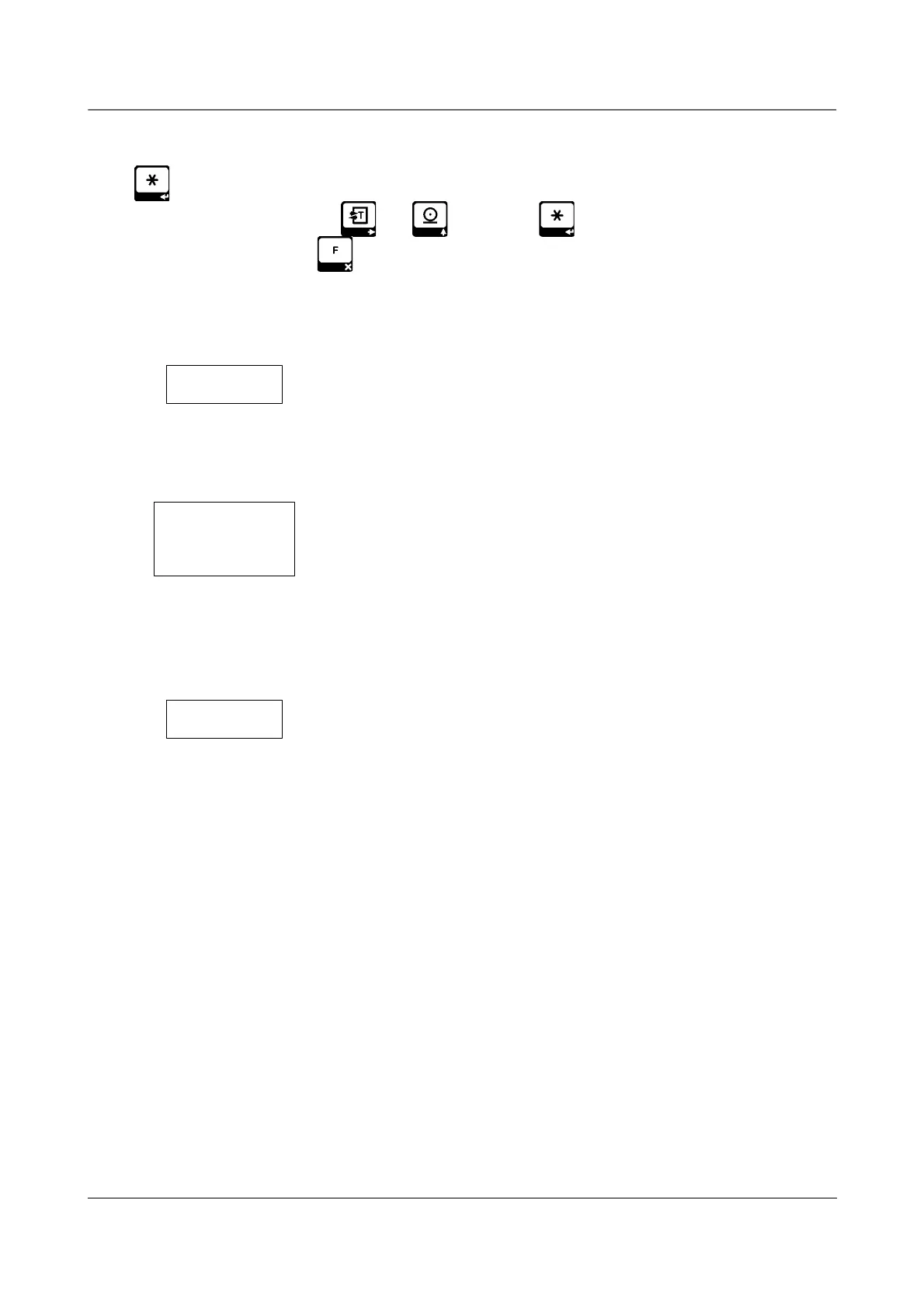
Press key while “ ser “ or “ ser2 “ message is on display. Device parameters are edited one
at a time. Edit each value by using and keys; press to accept and proceed with the
next parameter. You may press and go back to the previous parameter while editing. When all the
paremeters are accepted, the device saves the changes automatically.
RS232 Output Mode
0 – Continuous Output Mode
1 – Terminal Mode
* See below for details on Continuous and Terminal Mode protocols.
Baud Rate
0 – 9600
1 – 4800
2 – 2400
3 – 1200
4 – 19200
Output Mode Type
( If you don't need different serial output format, don't change the
defaults )
0 – ERTE B2 series output format
v1.00 Page 15


 To Next Page