20
User guide
Additional features
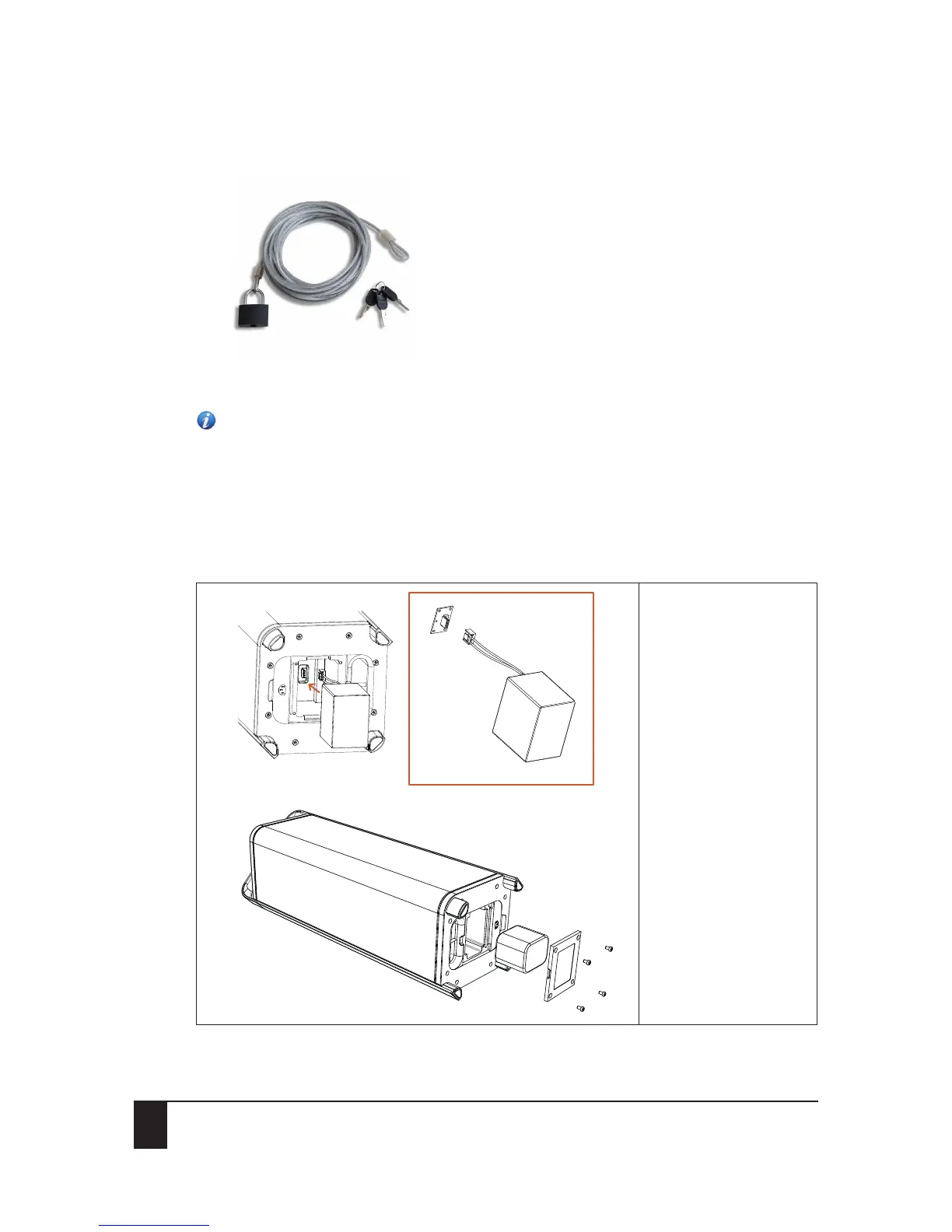
Figure 1-1: Example of a 4mm steel cable
Attention: As a manufacturer, we or any of our affiliates, partners or retailers accept no liability
for any losses or damages of the product (whether direct, indirect, special, consequential or
otherwise).
8.4 Replacing the battery
1. Disconnect the Escape™ P9 from the power outlet.
2. Carefully place the Escape™ P9 on its side on a flat, clean surface.
3. Remove the battery cover screws and remove the battery cover.
To remove the battery,
press the locking tab and
pull the battery
connector from the
internal male connector.


 To Next Page