16
User guide
Connecting external audio sources
7 Connecting external audio sources
You can connect the Escape™ P9 to the following external audio sources:
1. Aux 1: universal 3.5mm auxiliary input
2. USB flash drive
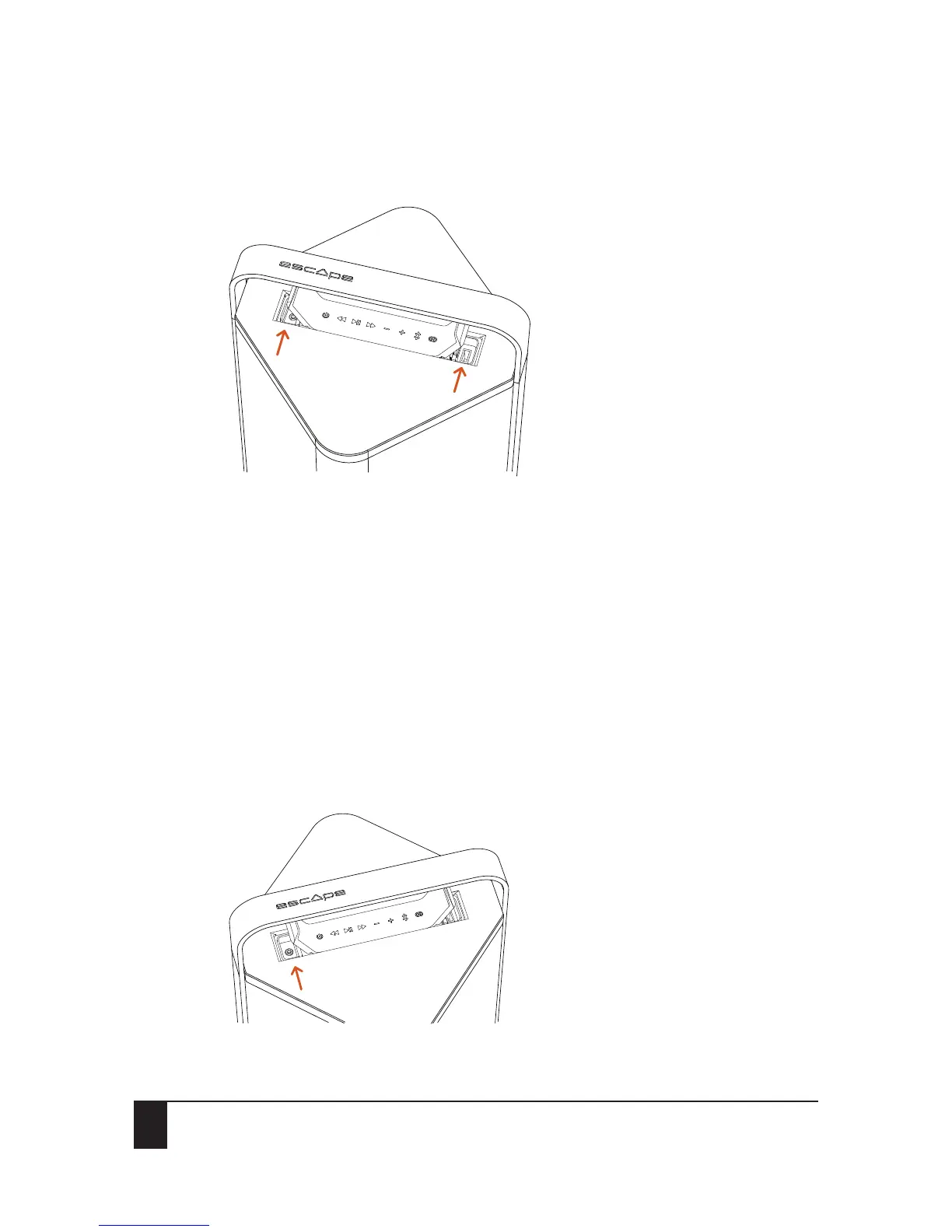
3. Aux 2: universal 3.5mm auxiliary input inside the compartment located underneath the keypad
7.1 Priority
External audio sources are listed in order of priority. Lower priority audio sources will be deactivated
when an audio input of a higher priority is activated. When one of the 3 external source inputs is
activated, the Bluetooth® button on the Escape™ P9 keypad will change from solid blue to green.
Important: Please observe all warnings in this section that may void warranty.
7.2 Aux 1: universal 3.5mm auxiliary input
The 3.5mm aux input has the highest priority.
1
2


 To Next Page