User guide
Bluetooth® pairing
15
Keypad functions in Twin mode
When streaming music from an Apple® or Android™ device using Bluetooth®, the control buttons will
work on both units. Volume up and down is synchronised and can be controlled on the device and
on the Escape™ P9 keypad.
Turning off one of the speakers in Twin mode
The master device will remain active when the twin unit is turned off. Music will be paused first in
Bluetooth® mode. When the master is turned off, the twin unit will no longer receive an audio signal.
External audio sources connected to the master speaker
Once the Twin mode has been set up, you can connect external audio sources to the master device,
such as MP3 players or a USB flash drive. (For more details see external audio sources). External
sources connected to the master will also play on the twin unit. External sources connected to the
twin unit will play only on the twin.
Disabling the Twin mode between devices
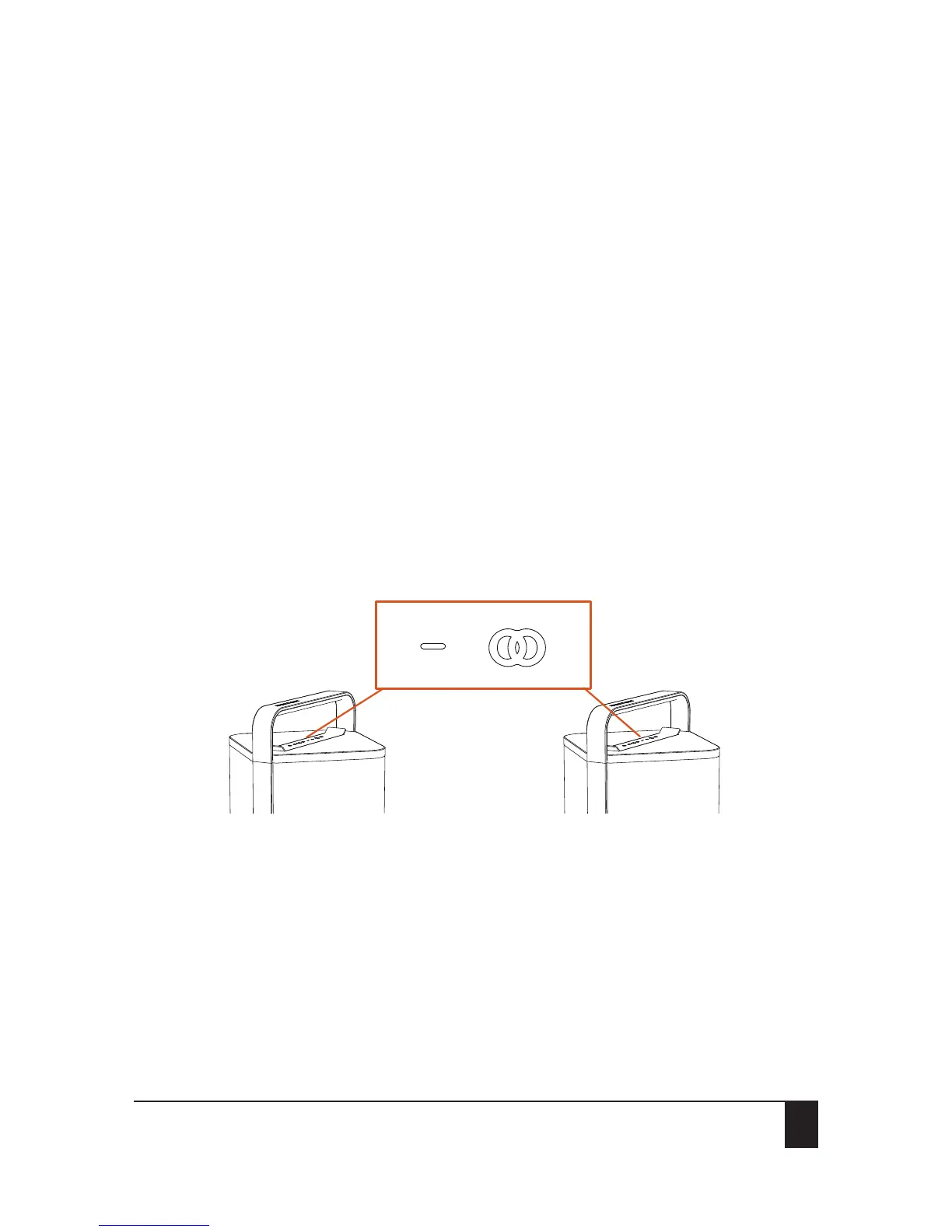
Press and hold down the Twin and the volume down button simultaneously for 2-3 seconds on either
master or twin speaker until you hear a short confirmation tone.
The blue LEDs on master and twin unit will turn white, indicating that Twin mode has been disabled
on both units.
Unit A Unit B
or


 To Next Page