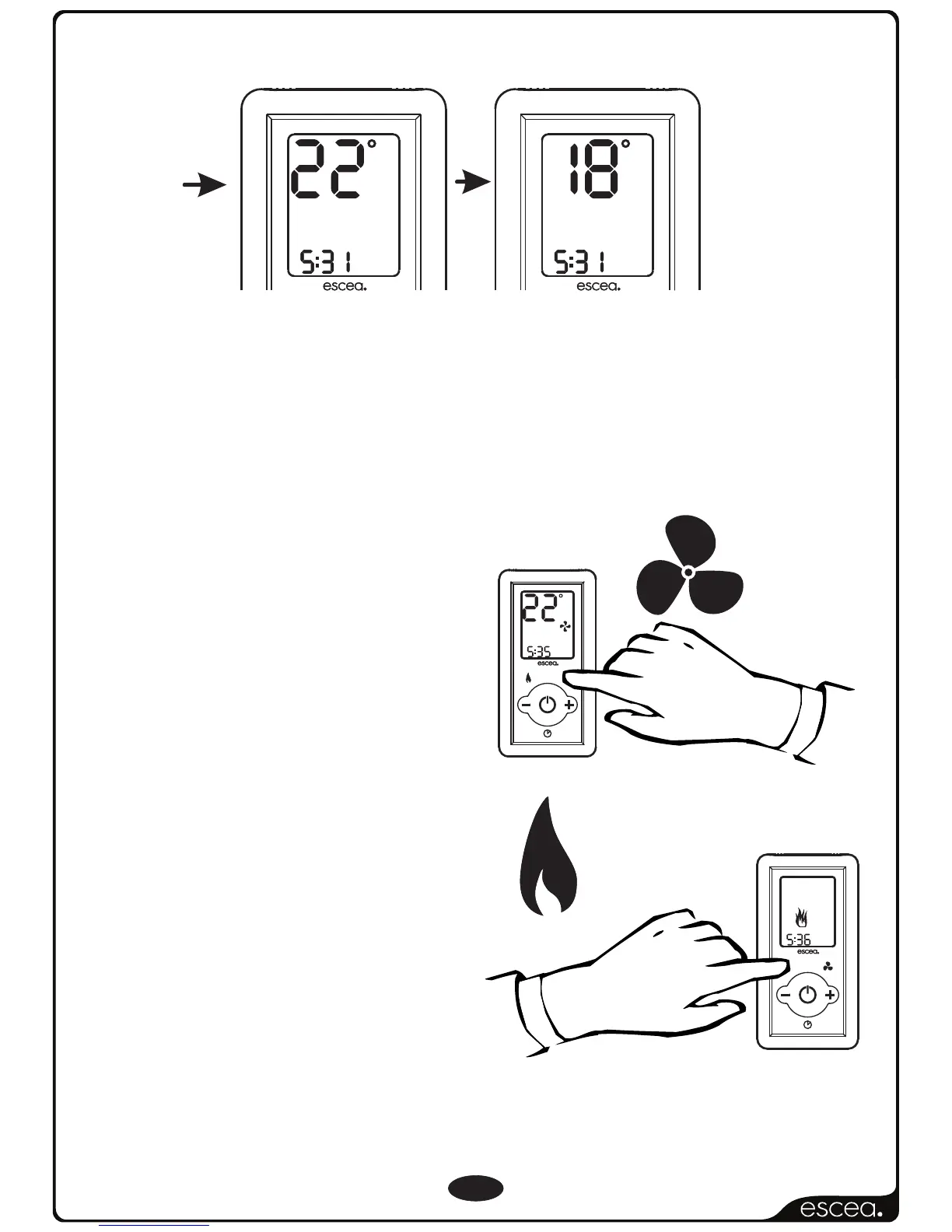
The fire has three FAN SPEED settings. The first low fan speed
will run automatically on start-up. The second fan speed
will automatically switch on or off with the increase or
decrease of the set temperature, and the third fan speed
is an optional FAN BOOST speed, which can
be accessed on your remote.
Pressing the FAN BOOST button
will increase the fan speed to
its maximum. This mode will
increase the circulation of heat
from the fire. When this mode is
not on, the fire will still use fan
speeds one and two.
Basic Operation Continued...
4
F
A
N
B
O
O
S
T
L
Y
N
O
T
C
E
F
F
E
PM
T
I
M
E
R
S
E
L
E
C
T
R
E
M
I
T
E
T
A
I
V
T
C
A
SET TIME
FLAME
EFFECT
ONLY
F
A
N
B
O
O
S
T
L
Y
N
O
T
C
E
F
F
E
C
SET
FAN
BOOST
PM
T
I
M
E
R
S
E
L
E
C
T
R
E
M
I
T
E
T
A
I
V
T
C
A
SET TIME
C
SET
PM
C
ROOM
PM
Room Temperature
Set temperature
Fan Boost
Pressing the EFFECT ONLY button
will only turn on the front “Flame
Effect” burner. This mode is
intended as an ambient effect,
though some heat will still be
produced and the fan will
operate at its lowest setting in this
mode.
Effect Only
NOTE: The fan may continue to operate for a few minutes after the fire has
been switched off to remove any excess heat.



 To Next Page