Basic Operation
3
F
A
N
B
O
O
S
T
Y
L
N
O
T
C
E
F
F
E
T
I
M
E
R
S
E
L
E
C
T
R
E
M
I
T
E
T
A
V
I
T
C
A
SET TIME
F
A
N
B
O
O
S
T
Y
L
N
O
T
C
E
F
F
E
C
SET
PM
T
I
M
E
R
S
E
L
E
C
T
R
E
M
I
T
E
T
A
V
I
T
C
A
SET TIME
Remove the battery cover on the rear of the remote. Insert
the new “AA” size batteries, being careful of the polarity.
You should now see on the display of the remote the time
showing “0:00”.
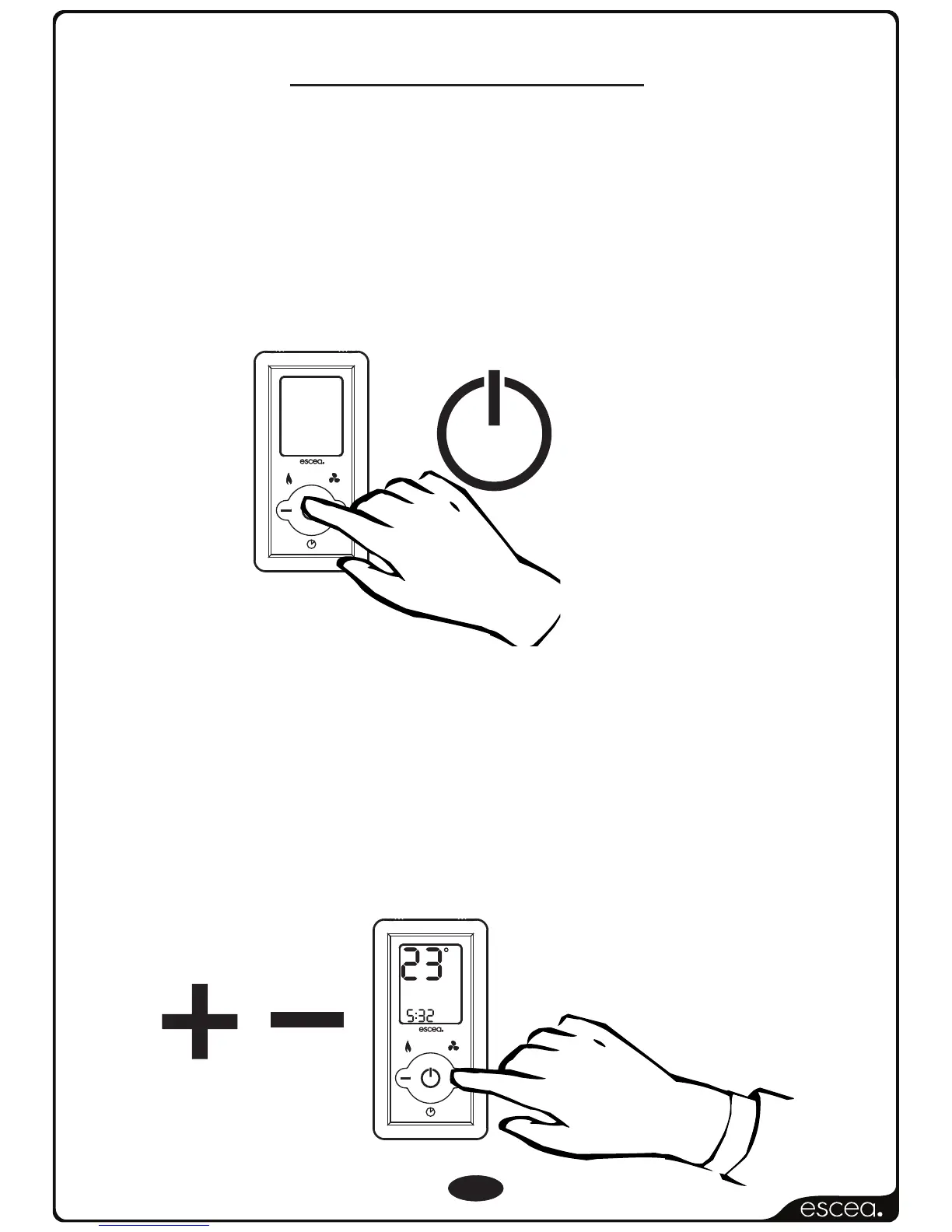
To turn the fire on, press the “POWER” button
once, and within a few seconds the fire will light.
To set the room temperature, press the ‘plus’ or ‘minus’
buttons repeatedly until the display is showing the desired
temperature. The remote will then revert back to the ‘current’
room temperature after 30 seconds. The front burner will run
continuously whilst the middle and rear burner
will operate according to the temperature set by the
remote.
(where fitted)
Initial Start/Battery Placement.
Adjusting the Room Temp
NOTE: Between ignition
attempts the remote will
alternately show the
remote’s “Set” temperature
and a rotating segment
indicator to show that the
fire is in start up mode and
will try to ignite again.
NOTE: In Australian fires
only there is a statutory 5
minute delay between
ignition retries.



 To Next Page