Advanced Installation
Alarm Installation
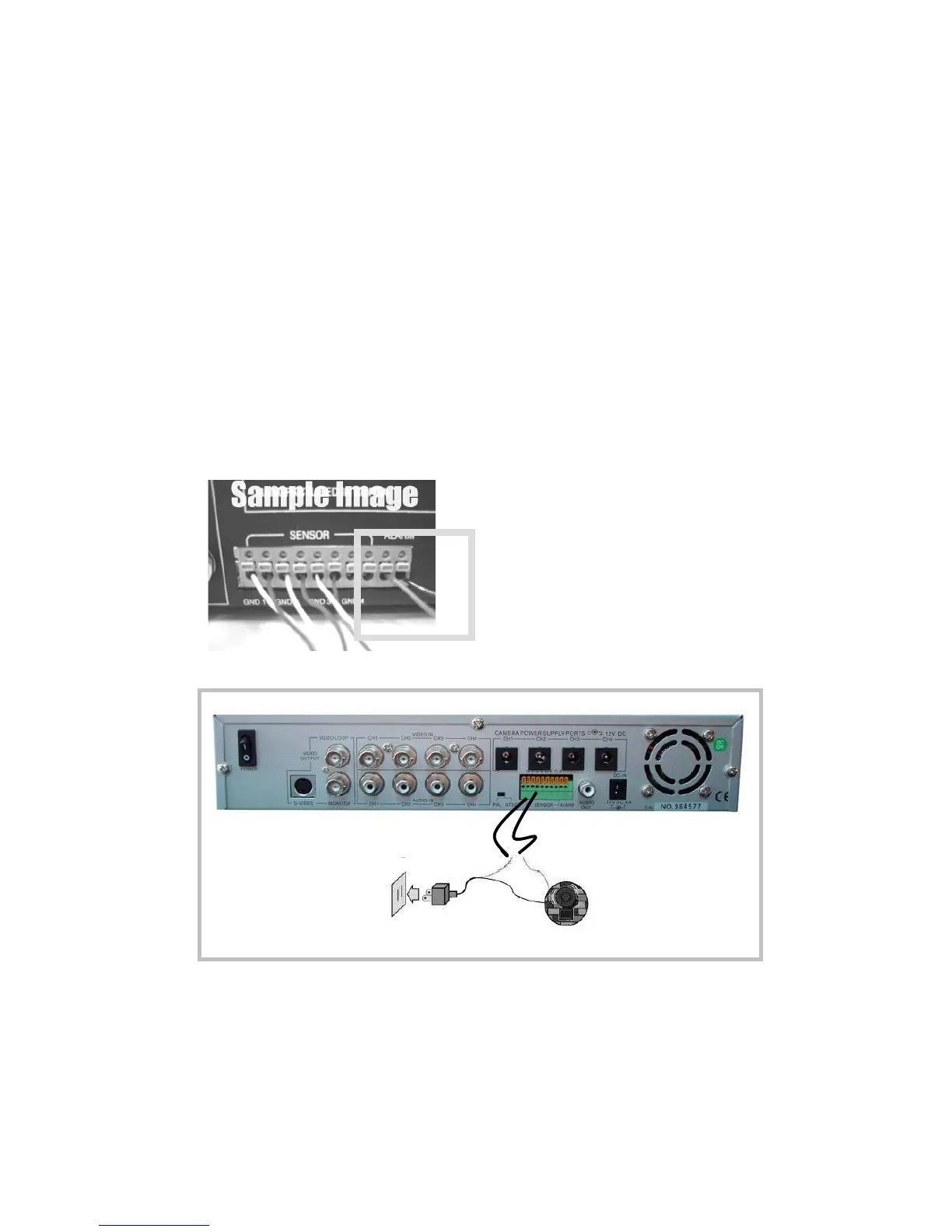
The DVR includes one internal switch for sounding an alarm when any of the
sensor inputs is activated. The switch is normally open and closed upon activation.
The circuitry is shown in the above figure. The alarm is installed as follows:
I.The alarm requires a power supply, which is normally supplied with the alarm.
II.Connect the alarm power line to the alarm switch terminal on the rear of the DVR.
AlarmAC/DC adaptor
power outlet
Signal Line
Power line



 To Next Page