PRINT EVENT
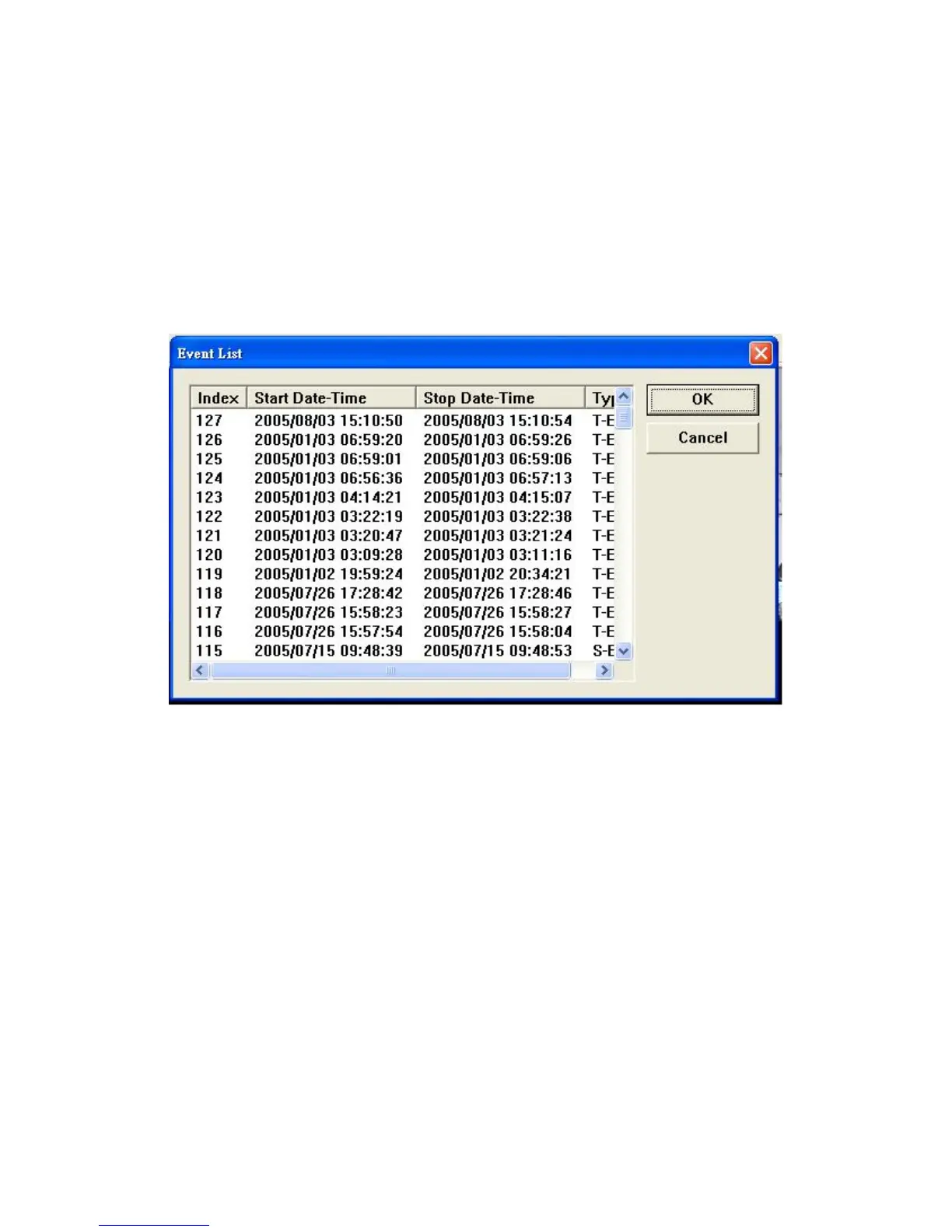
Move the mouse to 8 ( Event search), and select the event you want.Then, click OK to play the
event recorded. The menu is shown below.
Copy the images and record the images
DVR host play program offers dynamic and static image output. You can easily copy the static
image, and store it in BMP file, or store a certain part of record in AVI file. The converted images
can be played by PC software (such as Media Player).
Hints:
USB LINK work system supports Win 2000 / XP.
Recommended brands of hard disk: MAXTOR、Seagate



 To Next Page