Sub Menu allows users to change
system password, system date and time,
as well as various audio functions and
auto record. Use (¿À) to move cursor
and select. Press ( ) to either cycle
through the options or enter subsidiary
menus.
SUB MENU
¾PASSWORD CHANGE
TIME SET
BUZZER SOUND [OFF]
AUTO RECORD [OFF]
AUDIO RECORD [ON]
AUDIO OUT MUTE [OFF]
AUDIO CHANNEL [1]
In the situation of requesting stop recording
or HDD formating, the DVR prompt for
password to perform.
Select “PASSWORD CHANGE” - The default
password is 111111.
Enter the requested data.
NOTE
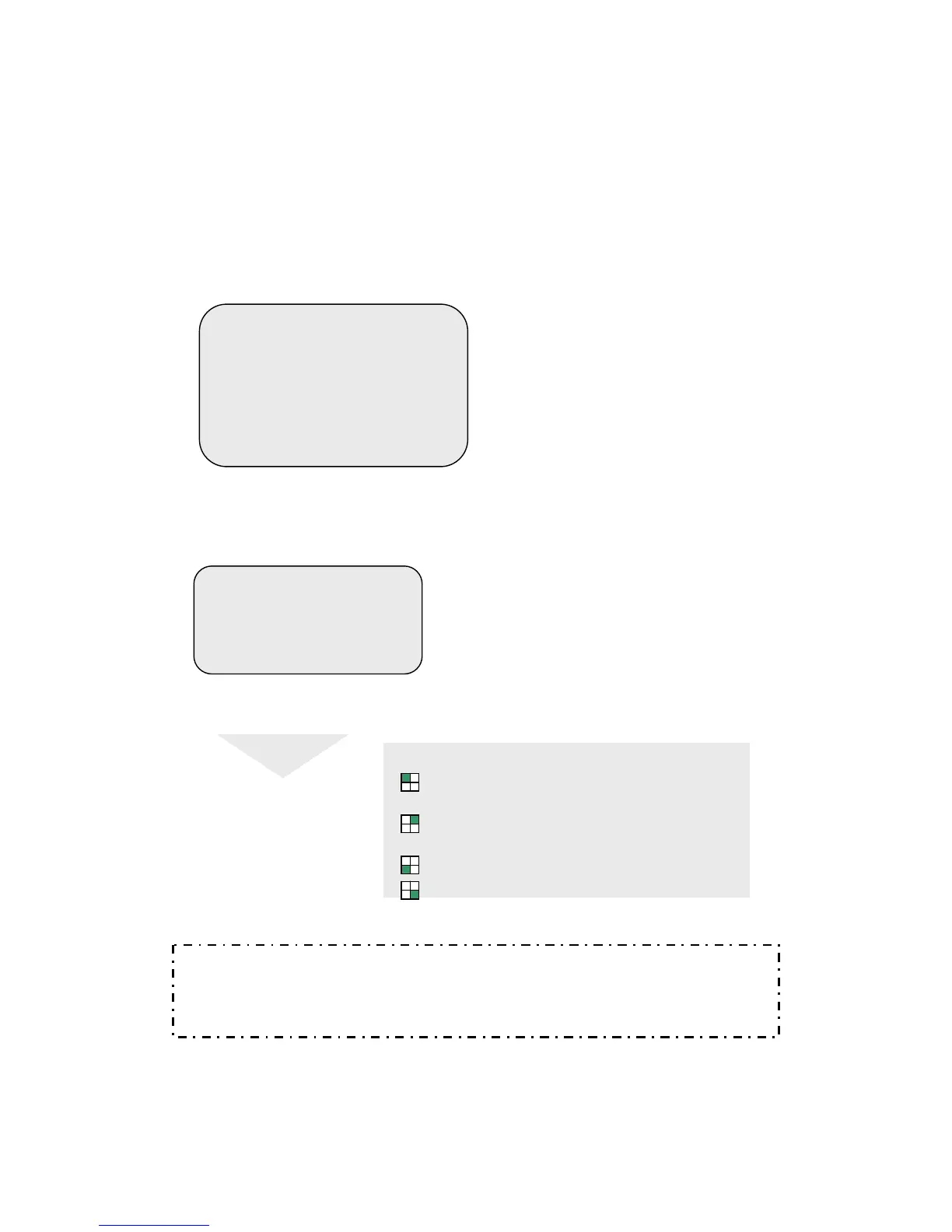
FRONT PANEL BUTTONS DEFINITION
means “1” means “5”
● means “6”
means “2” means “7”
■ means “8”
means “3” means “9”
means “4” means “0”
PASSWORD CHANGE
CURRENT PASSWORD: -------
NEW PASSWORD:-------
PASSWORD CONFIRM:--------
NOTICE: WHAT IF I FORGET PASS WORD?
If the password is mislaid or forgotten press the (∥) Pause button 6 times, which
returns the DVR to the default setting(11111).
The password can then be changed again.
Operation Guide: SUB MENU
Operation Guide: PASSWORD CHANGE



 To Next Page