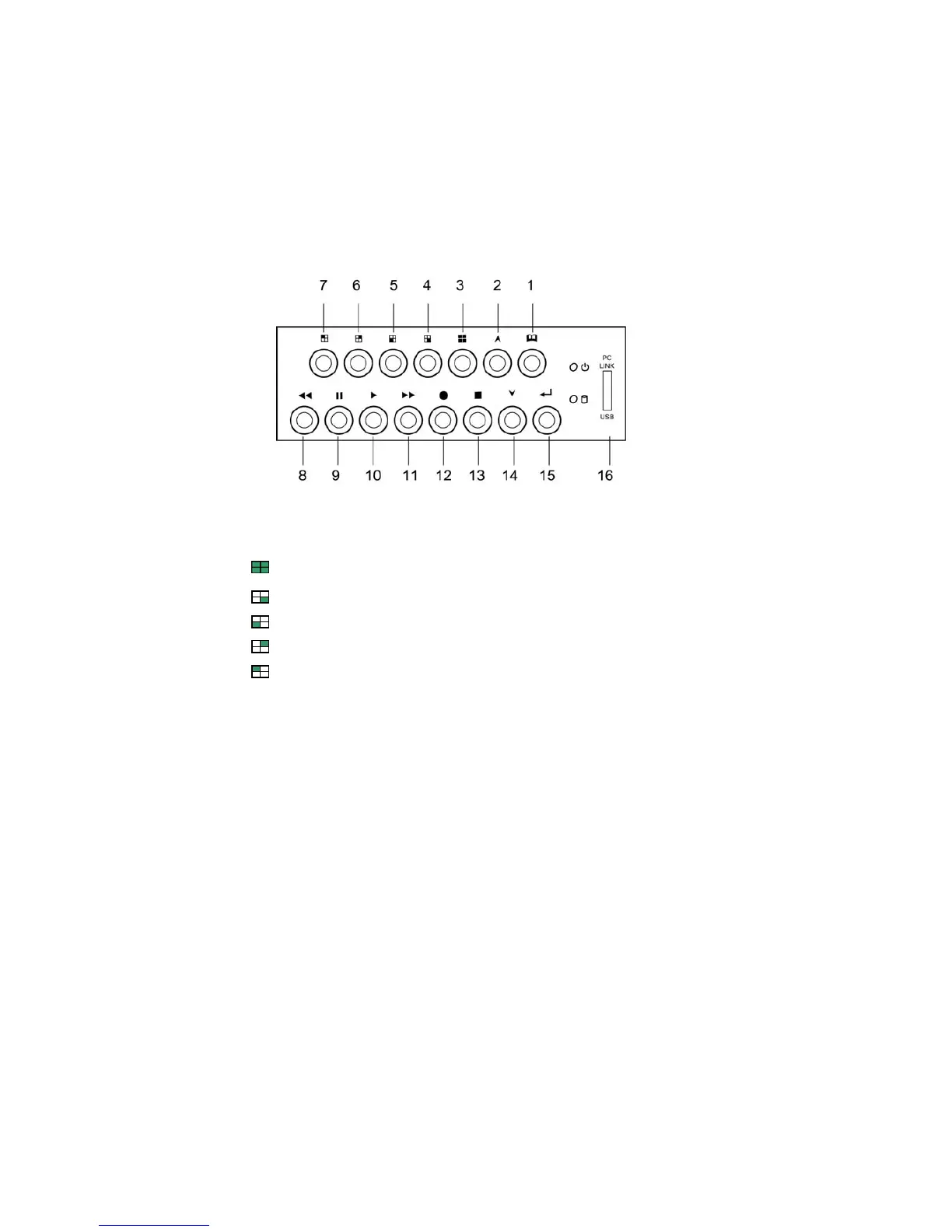
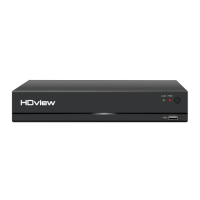
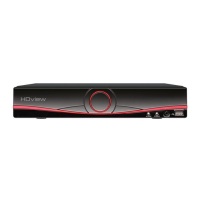
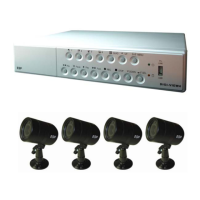
DVR Front Panel Buttons
1. Menu button:Press to display Operation menu option
2. 2. Up button:used in menu
3. All channels button:Press to display all channels
4. Channel 4 button:Press to display channel 4
5. Channel 3 button:Press to display channel 3
6. Channel 2 button:Press to display channel 2
7. Channel 1 button:Press to display channel 1
8. Reverse : Press to rewind playback
9. Pause button:Press to pause playback
10. Playback button:Press to start playback
11. Fast forward button:Press to play the recorded stream faster
12. Recording button: Press to start recording
13. Stop Recording / Stop Playback button:Press to stop recording
or playback .The authorized password is requested upon stopping
recording .Default password is 111111.
14. Down button : Used in menu
15. Select button:Change the setting value or enter into a sub menu
16. USB Link Port
f
z


 To Next Page