MAGPRO16 Addressable Fire Alarm Panel – Installation and Programming Manual
21
The access codes could be changed only from level Installer - menu 6) General Settings - submenu 6.1) Access
codes.
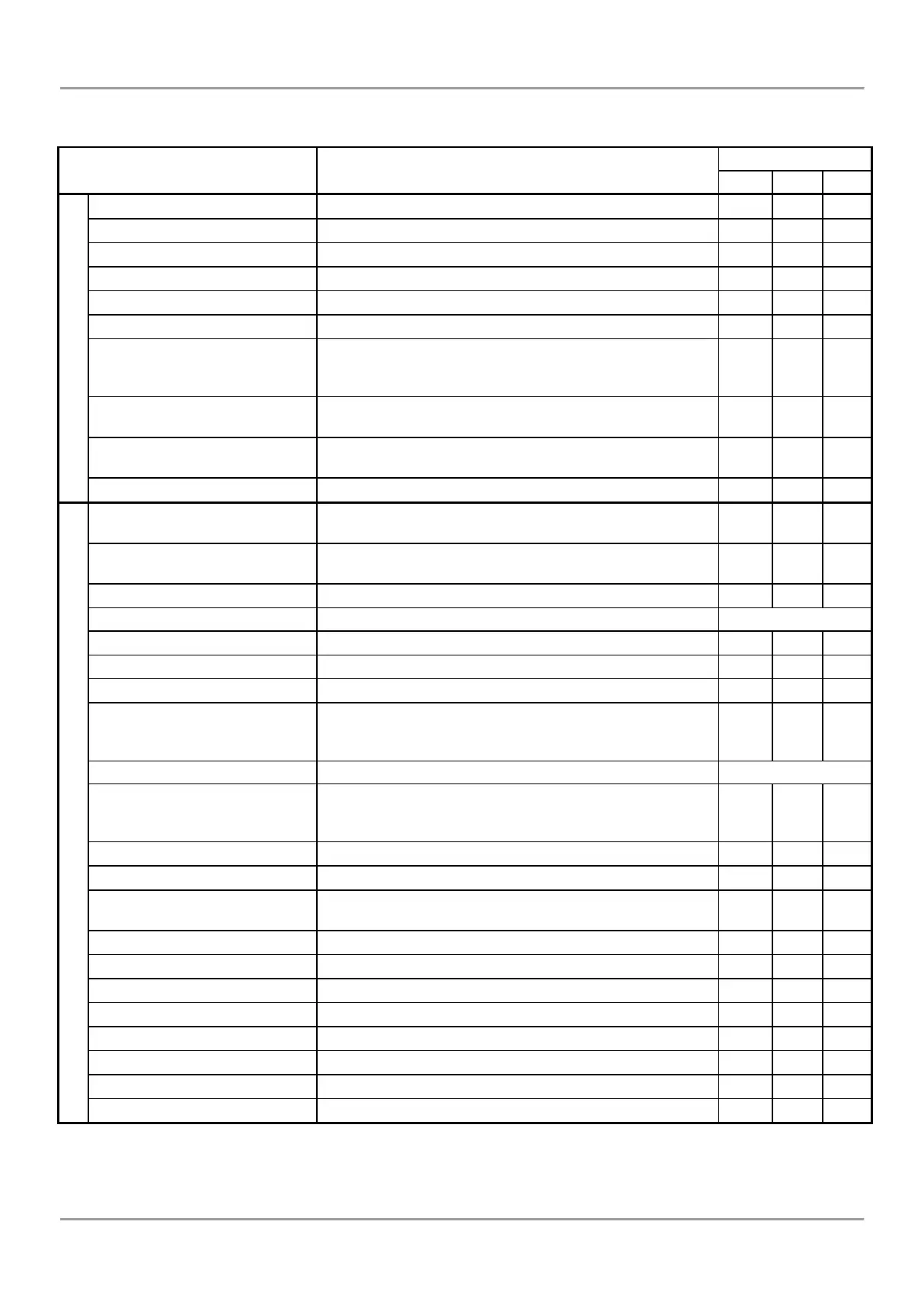
There are different restrictions on the panel functions in the relative access levels, which are shown in the table below:
Viewing the Alarms Messages in the system.
Viewing the Faults Messages in the system.
Viewing the active disablements in the system.
Viewing the running tests in the system.
Viewing the Warnings Messages in the system.
Deactivating Internal Buzzer.
Deactivating the Sounders.
During active fire alarms and deactivated/ silenced
sounders the LED next the button is lighting up.
Resetting the panel without switching off the main and
backup power supplies.
Activating Evacuation alarm signal; the sounders will
activate immediately overriding all introduced delays.
General test for operability of all LEDs and internal buzzer.
Viewing the LOG file for all events; printing of all or
separate events; clear the log file.
Zones status; setting a zone name; parameter
programming; zone test for operability.
Setting a device name; parameter programming.
Menus for addressing devices.
Setting an address for single devices.
Automatic self-addressing mode.
Parameter programming for the built-in panel outputs:
SOUNDERS, EXTINGUISHING, FIRE, FAULT, RELAY
OUTPUTS.
General settings common for the panel.
Changing the code combinations for levels Maintenance
and Installer; enable/ disable the automatic exit from the
installer programming menus.
Setting the current time and date.
Setting Day/ Night alarm mode or operation on schedule.
Changing the menu language, setting the backlight
brightness; entering disablements.
Programming the operation of SOUNDER outputs.
Saving the set system configuration.
Restoring the factory default settings.
Reviewing the current software revision.
Setting the redundant network parameters
Reviewing the activated isolators in the system.
Return to Access Level 1.
* Just for that cases, when the fire alarm signal is received from a device
- The operation modes and the menus are not supported for that access level
- The operation modes and the menus can be reviewed or are allowed for partial programming for that access level.



 To Next Page