FIRST STEPS
Essence|VT Easy Start
18
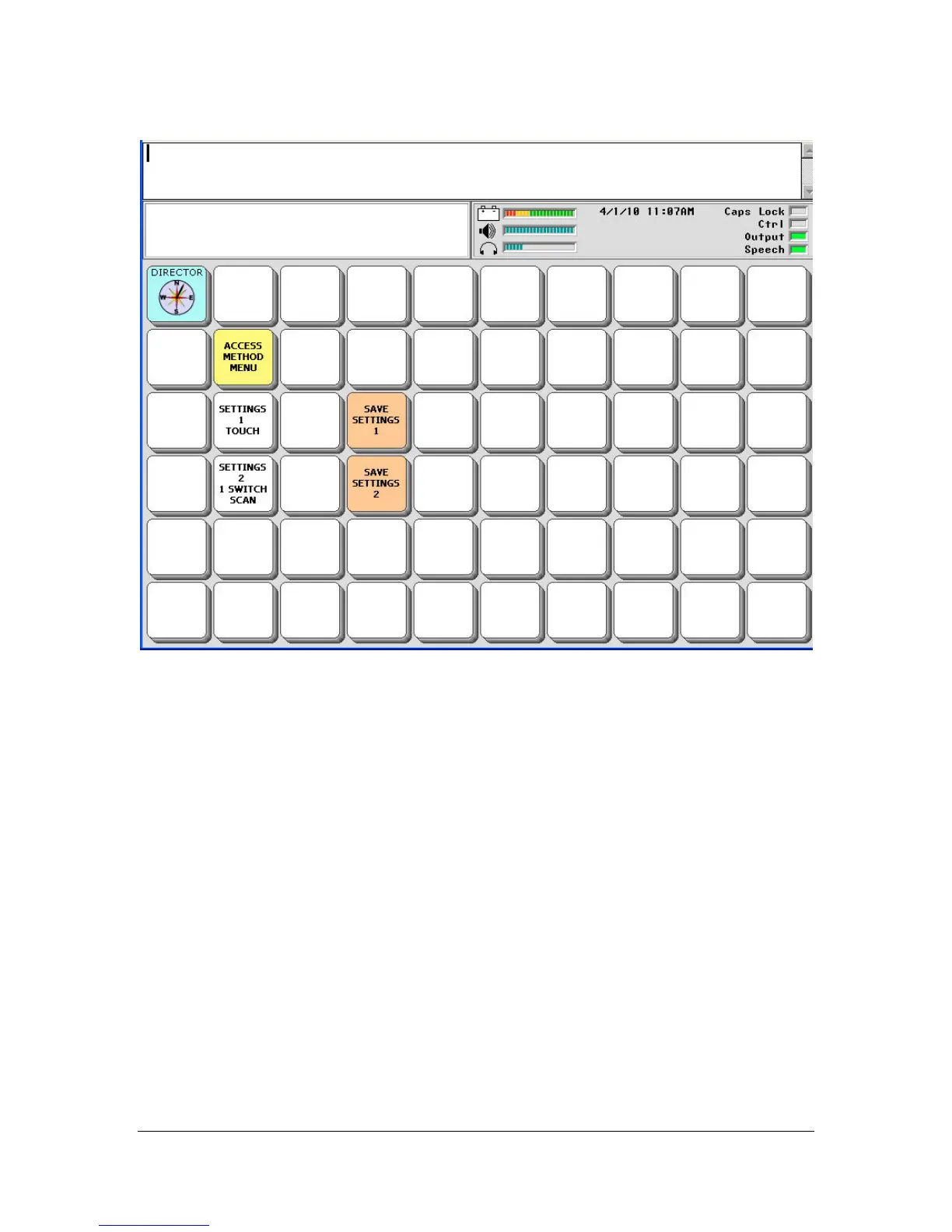
The SETTINGS 1 key is ready for Touch access. If you can make
selections by touching your device screen, you can use this Setting.
The SETTINGS 2 key is ready for 1-Switch Scanning. If you need to use a
switch to make selections, use this option.
Select one of the settings and try it out. You will be asked if you want to
switch to Settings 1. Answer YES.
You may find that these preset settings are not quite right for you. You can
change the default settings until you find the right mix for you. Then you can
save those settings by selecting the SAVE SETTINGS 1 or 2 keys.
We recommend that you ask a clinician who is familiar with the Access
Method you want to use to help you set it up.



 To Next Page