FIRST STEPS
Essence|VT Easy Start
24
You are Ready to Communicate
You have set up your keyboard, access method and voice.
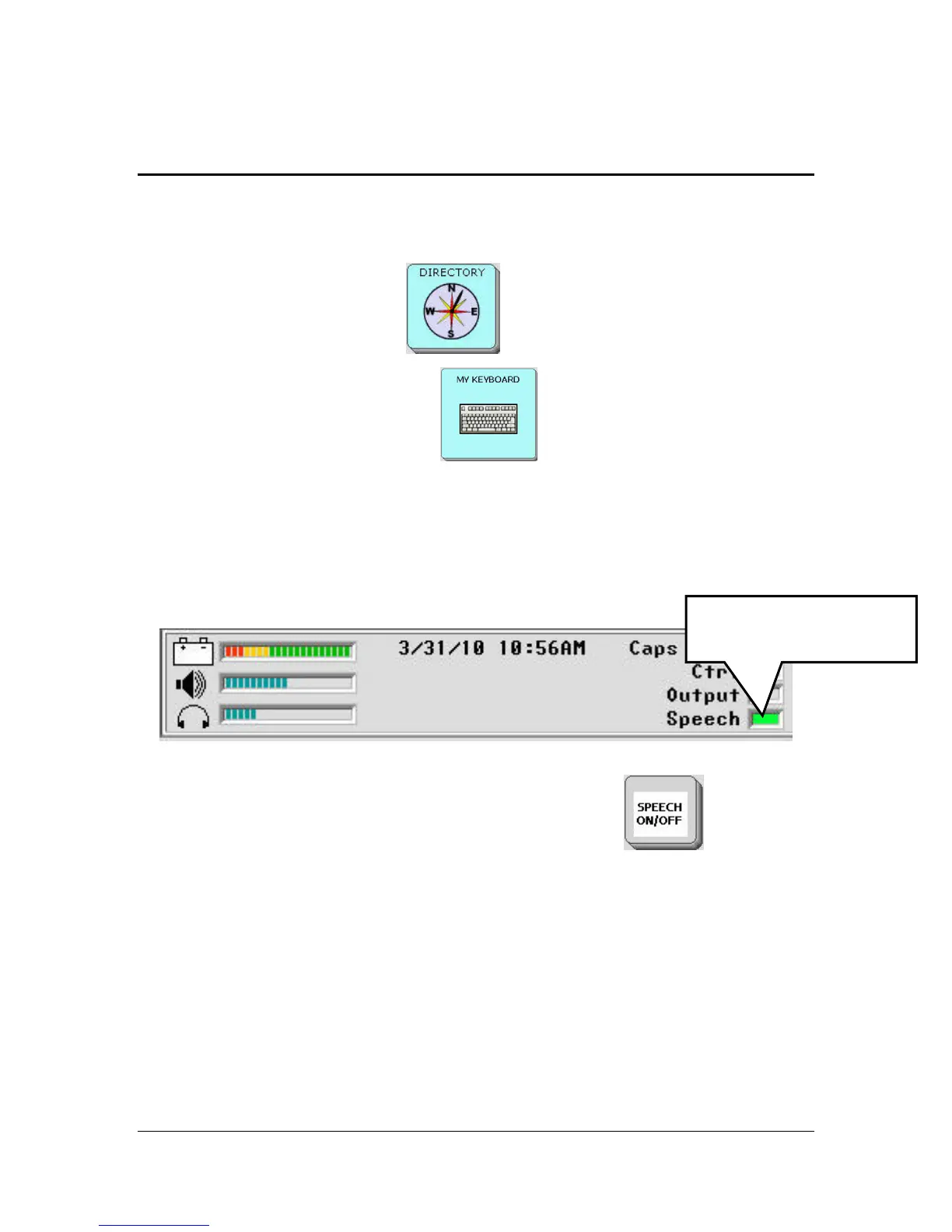
Select the DIRECTORY key
to return to the DIRECTORY.
Select the MY KEYBOARD key
to go to the keyboard you
selected.
Make sure your Speech key is ON. Look in the Status Display Area of your
VT. If the small LED next to Speech is green, your speech is on.
Status Display Area
If the light is not lit, select the SPEECH ON/OFF key
which is
usually the key in the lower right corner of your keyboard. Now check to see
that the LED is lit in the Status Display Area.
Now start typing what you want to say.
When Speech is ON,
this light is green.



 To Next Page