CUSTOMIZING ESSENCE
Essence|VT Easy Start
71
Add Digital Pictures to Essence Photo Albums
Before you can add pictures to albums on your VT, you must copy your
digital photos from your computer onto a USB flash drive.
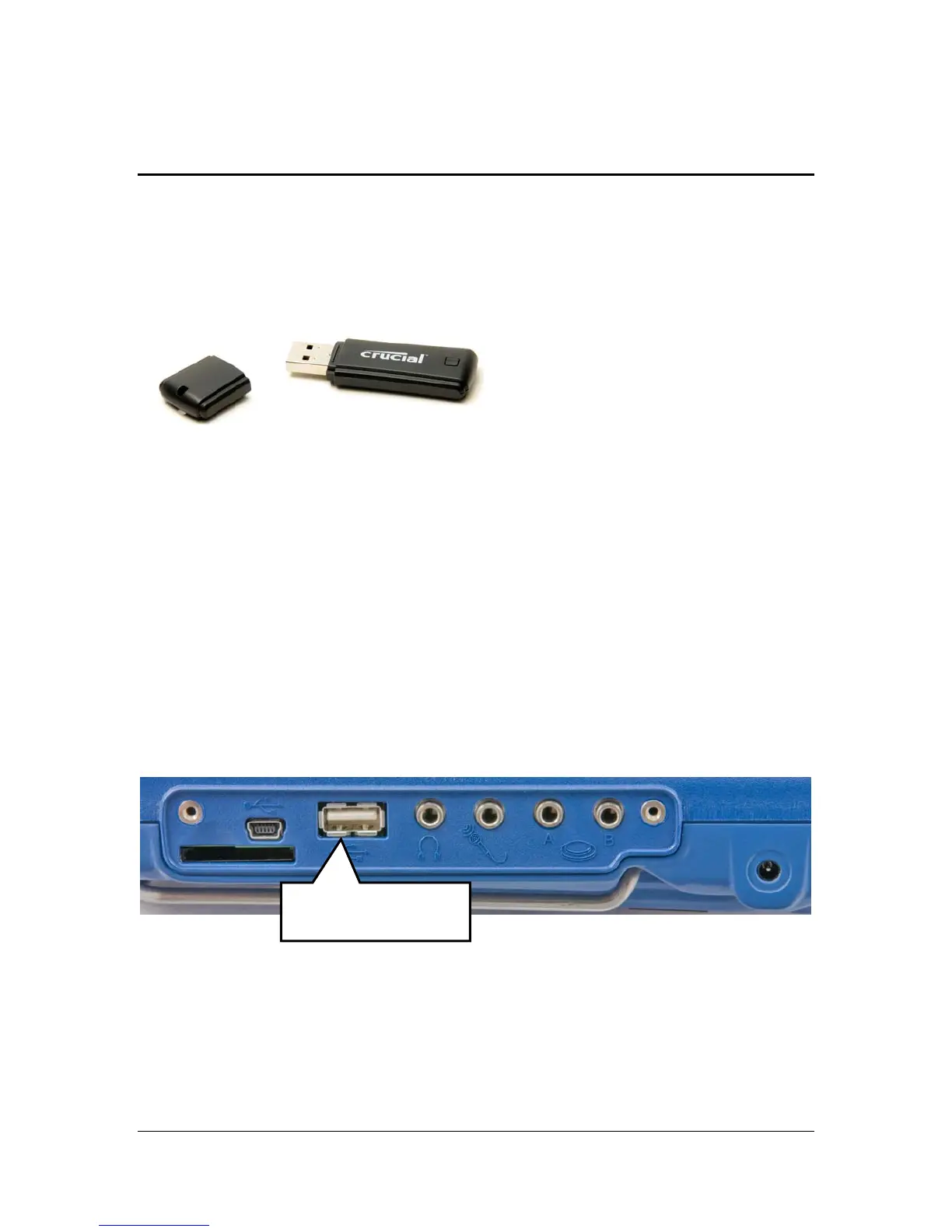
USB Flash Drive
On your computer
You received a USB flash drive in your Essence|VT box.
Plug the USB drive into the USB port on your computer.
On your computer, go to the folder where you keep your digital photos.
Copy the photos you want to your USB drive.
Remove the USB drive when you are finished.
On the VT
Plug your USB drive into the standard USB port on the right side of the VT
case.
Standard USB port



 To Next Page