CUSTOMIZING ESSENCE
Essence|VT Easy Start
54
Recording Messages
Go to the page where you want to add a recorded message.
Select the SET UP key.
Select a key for your message.
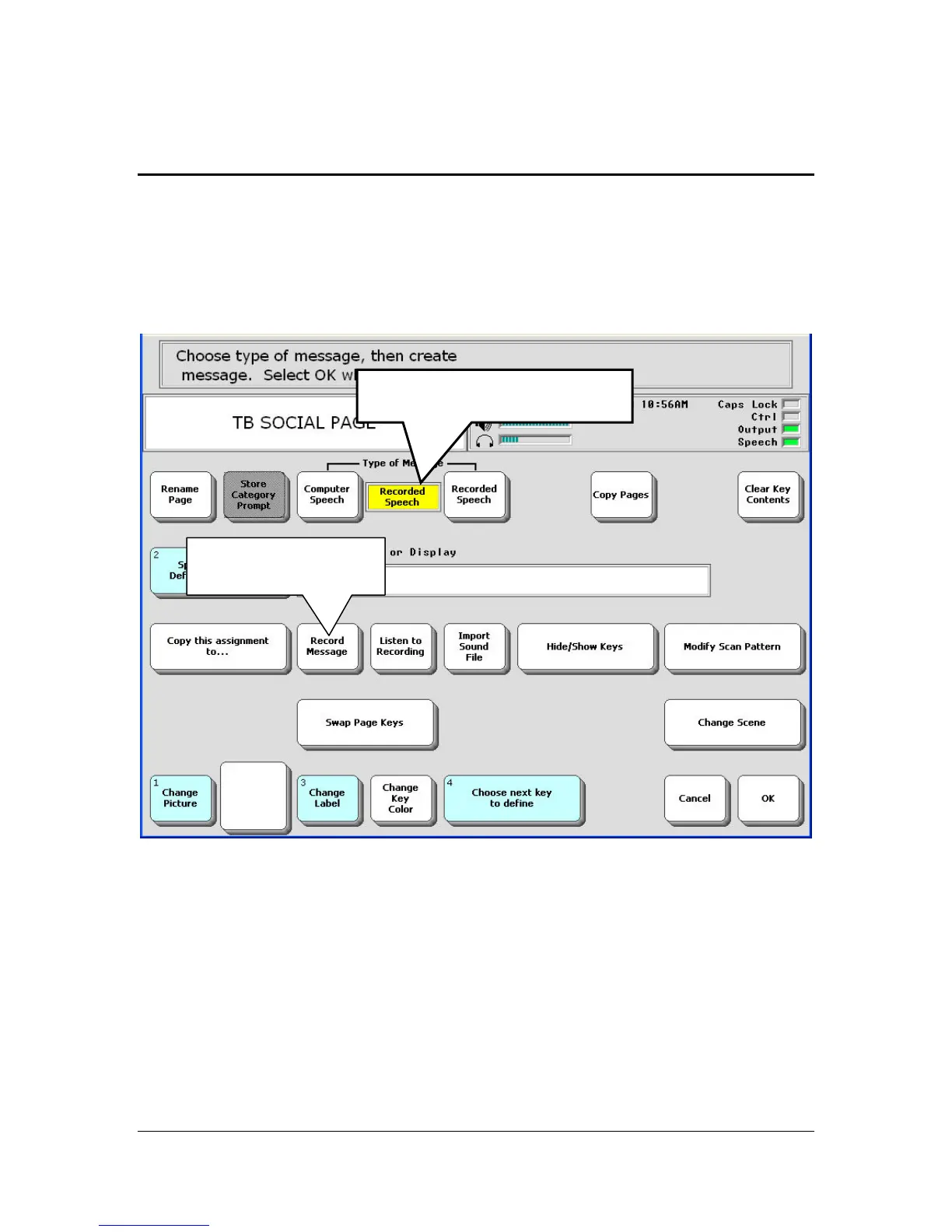
Select Recorded Speech in the Type of Message option
Select the Record Message key.
If you have a sound file (mp3, wav, wma files) stored on a USB flash
drive you can add it to the key instead of making a recording. Select the
Import Sound File key and follow the directions on your display.
Select Recorded Speech.
Select Record
Message.



 To Next Page