CUSTOMIZING ESSENCE
Essence|VT Easy Start
56
To Hide Keys
You may find that there are keys on your keyboard, or an a page, that you do
not use right now but might want later. You can hide these keys.
Go to the page where you want to hide keys.
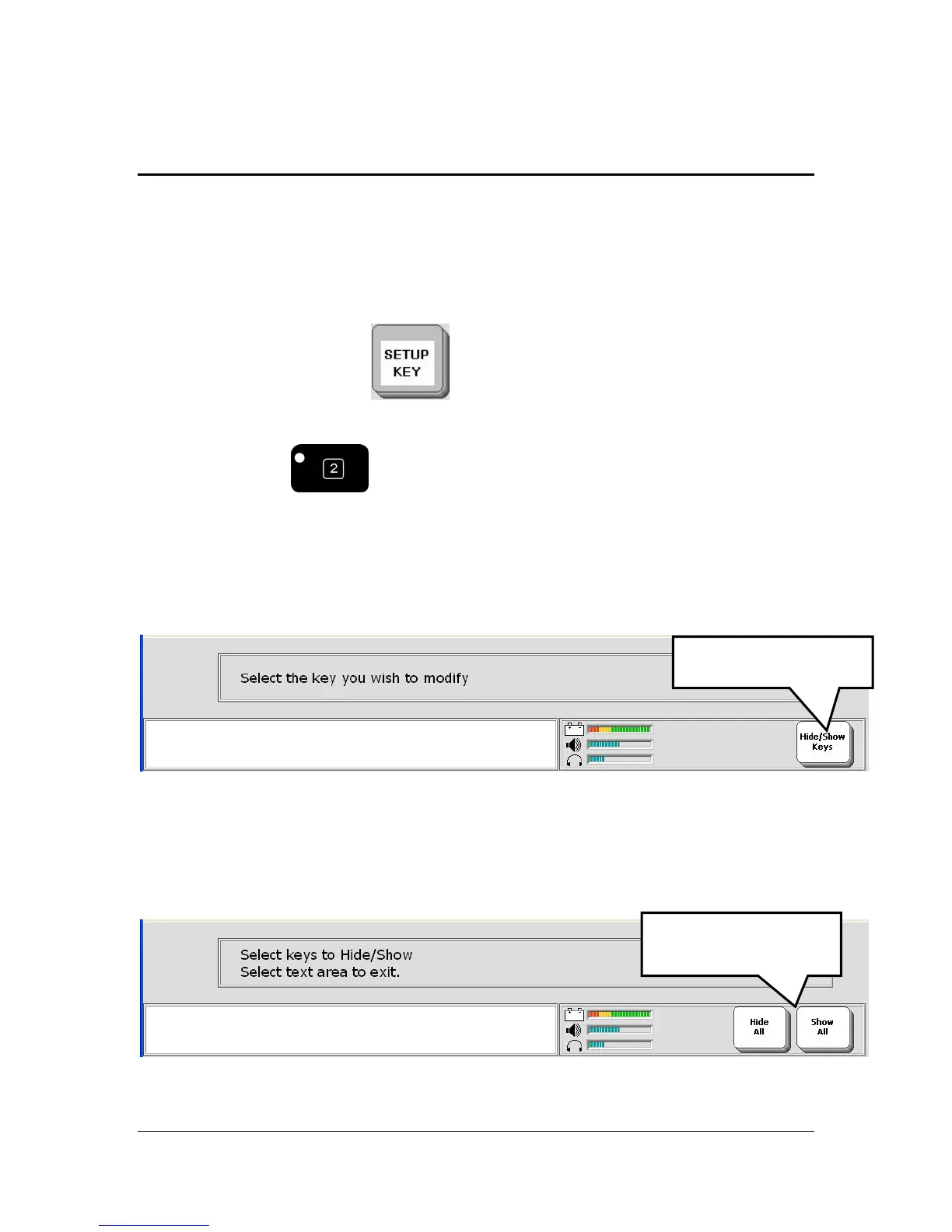
Select the SETUP key
.
If you are on a page that does not have a SETUP key you can always
select the #2 key
on the front of the device case. This is
programmed as the SETUP key.
You see the Hide/Show Keys key in the Status Display Area.
Select the Hide/Show Keys key.
You see:
Hide/Show Keys
Hide All and Show
All



 To Next Page