SPECIAL FEATURES
Essence|VT Easy Start
102
The Toolbox
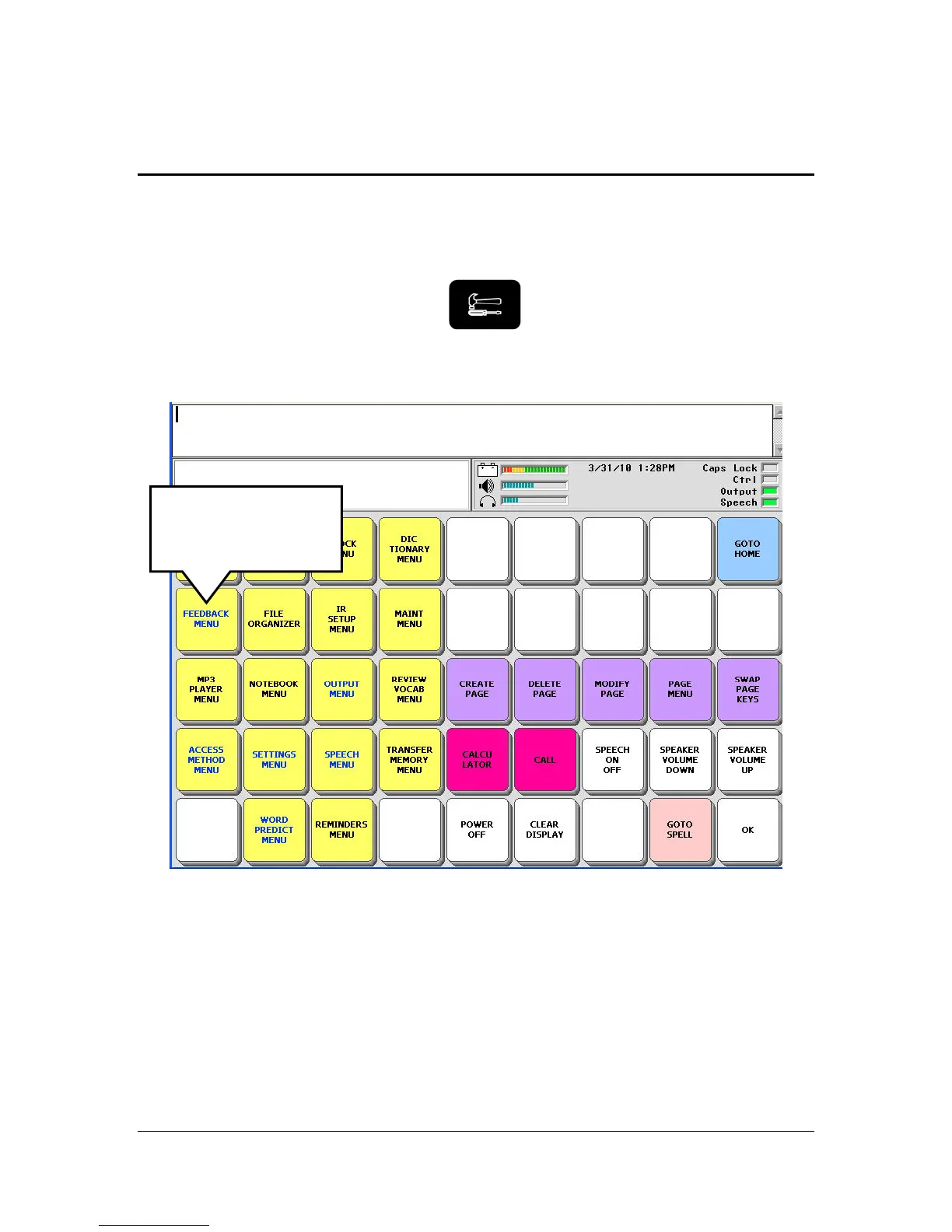
The Toolbox contains menus and single function keys. These menus and
functions will help you to make your device into one that is tailored to your
specific needs.
Go to the Toolbox by pressing the
Toolbox button on the front of
the case.
You have already used some of the Toolbox keys when you set up your
Essence program. However, you selected them from the DIRECTORY keys
or the GETTING STARTED keys. Now you see where they came from.
The Toolbox keys are color-coded. Notice that System Menus, Pages, single
function keys, etc. are all in different color groups to help you remember
where the keys are and what they allow you to do.
Select the
FEEDBACK MENU
key.



 To Next Page