SPECIAL FEATURES
Essence|VT Easy Start
103
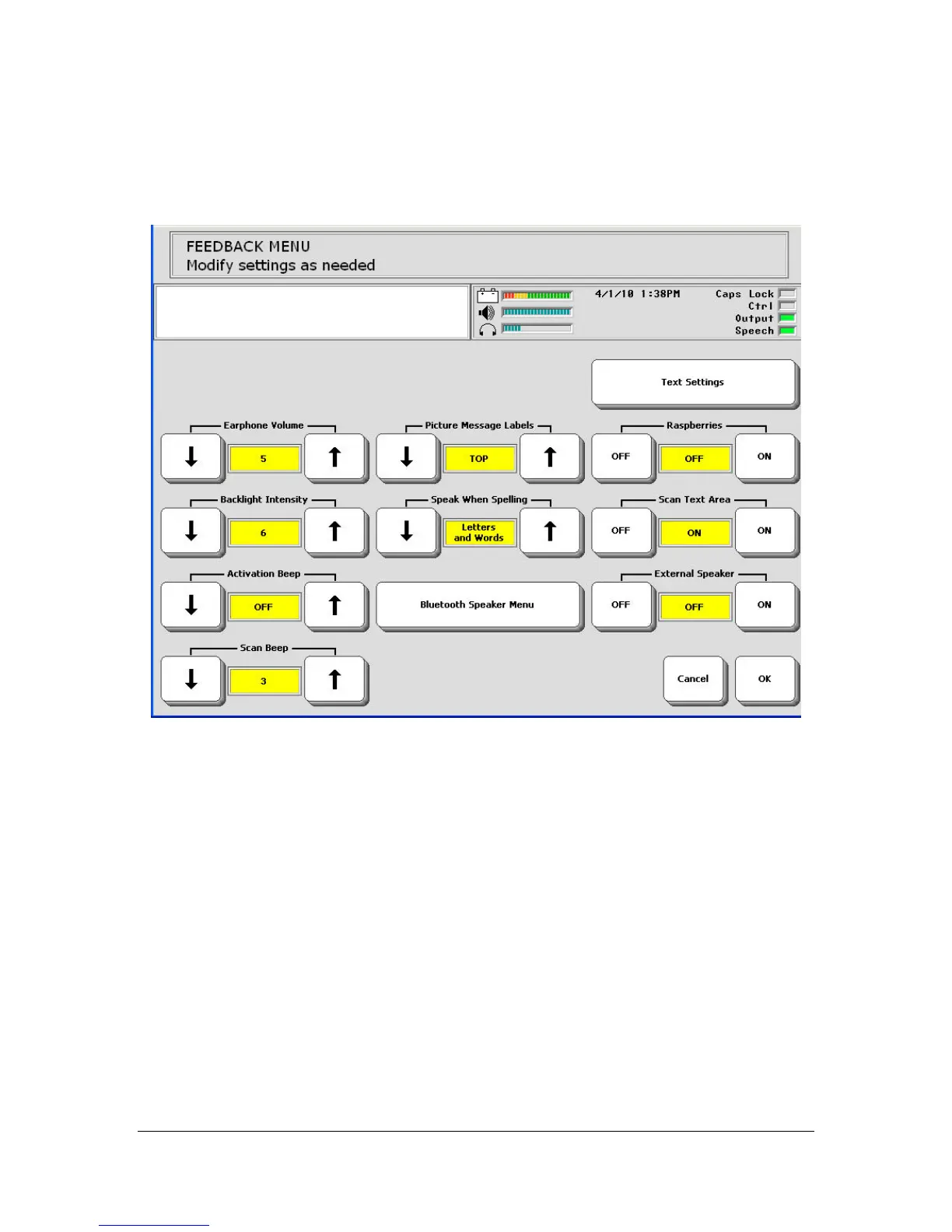
Select the yellow FEEDBACK MENU.
This menu allows you to choose the kind of feedback you want from your
device. Select the arrow keys until you see the selection you want in the
yellow box.
Activate OK or CANCEL to exit the menu. OK saves any changes you
have made and exits the menu. CANCEL exits the menu without saving
changes.
You return to the Toolbox.



 To Next Page