FIRST STEPS
Essence|VT Easy Start
19
To Change the Access Method Settings and Save the
Changes
We recommend that you ask a clinician to help with this, especially if
you are using scanning.
1. Select the Settings key you want (1 or 2).
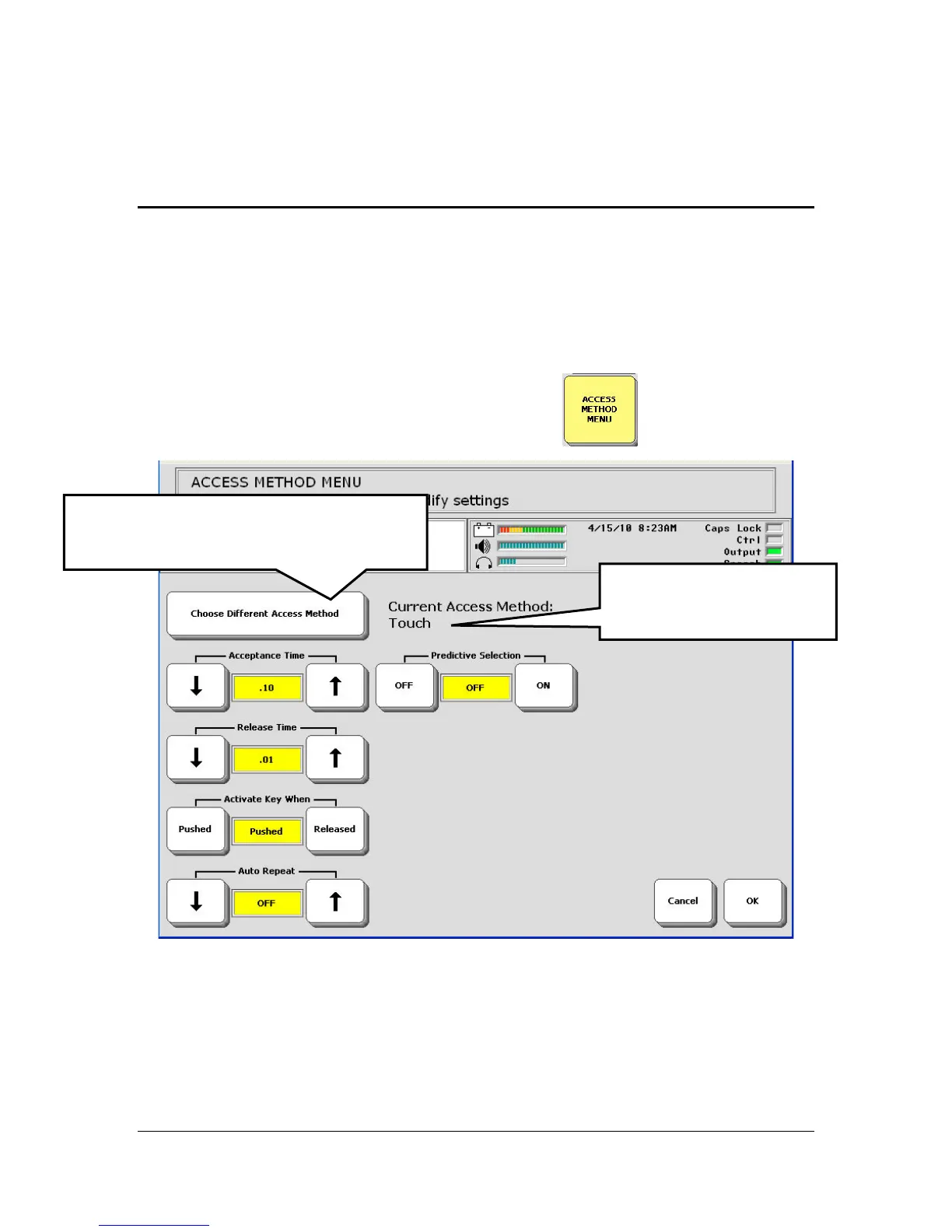
2. Select the ACCESS METHOD MENU key
If the method you see is not the one you want, select the Choose Different
Access Method key to go to the method you want.
3. Select the options you want to change.
Select Choose Different Access
Method to go to the method you want.
This tells you the current
Access Method.



 To Next Page