FIRST STEPS
Essence|VT Easy Start
23
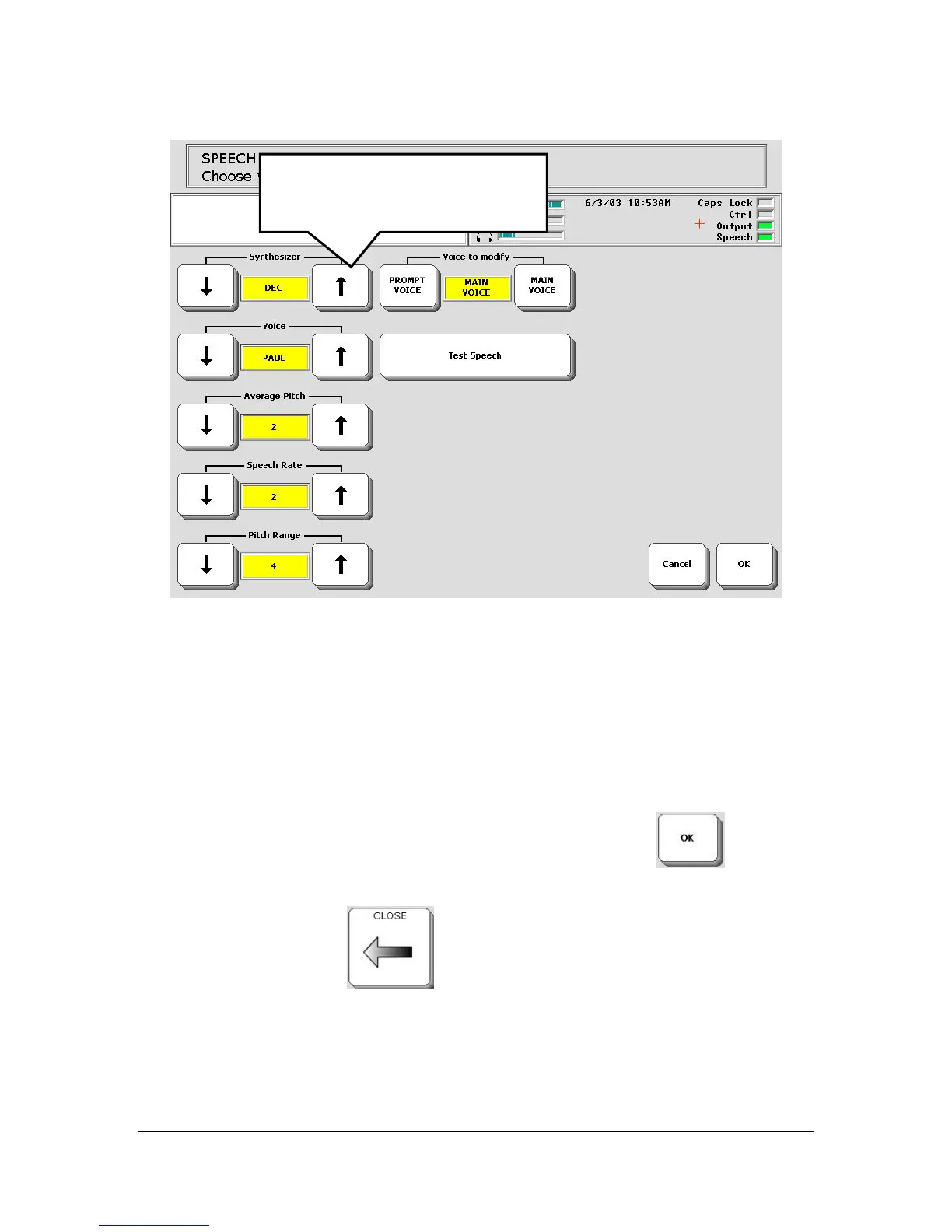
Use the Voice option to select a voice. Listen to it by selecting the Test
Speech key.
You may not need to change other options, but if you do:
Use the Rate key to make the speech somewhat slower or somewhat faster.
Use the Pitch and Range options to change the sound of the voice.
When you are satisfied with your voice, select the OK key
in the
bottom right corner of the screen.
Select the CLOSE key
. You are returned to the GETTING
STARTED page.
Us the Up and Down arrows
until the selection you want
appears in the yellow box.



 To Next Page