ADD TO YOUR COMMUNICATION POWER
Essence|VT Easy Start
38
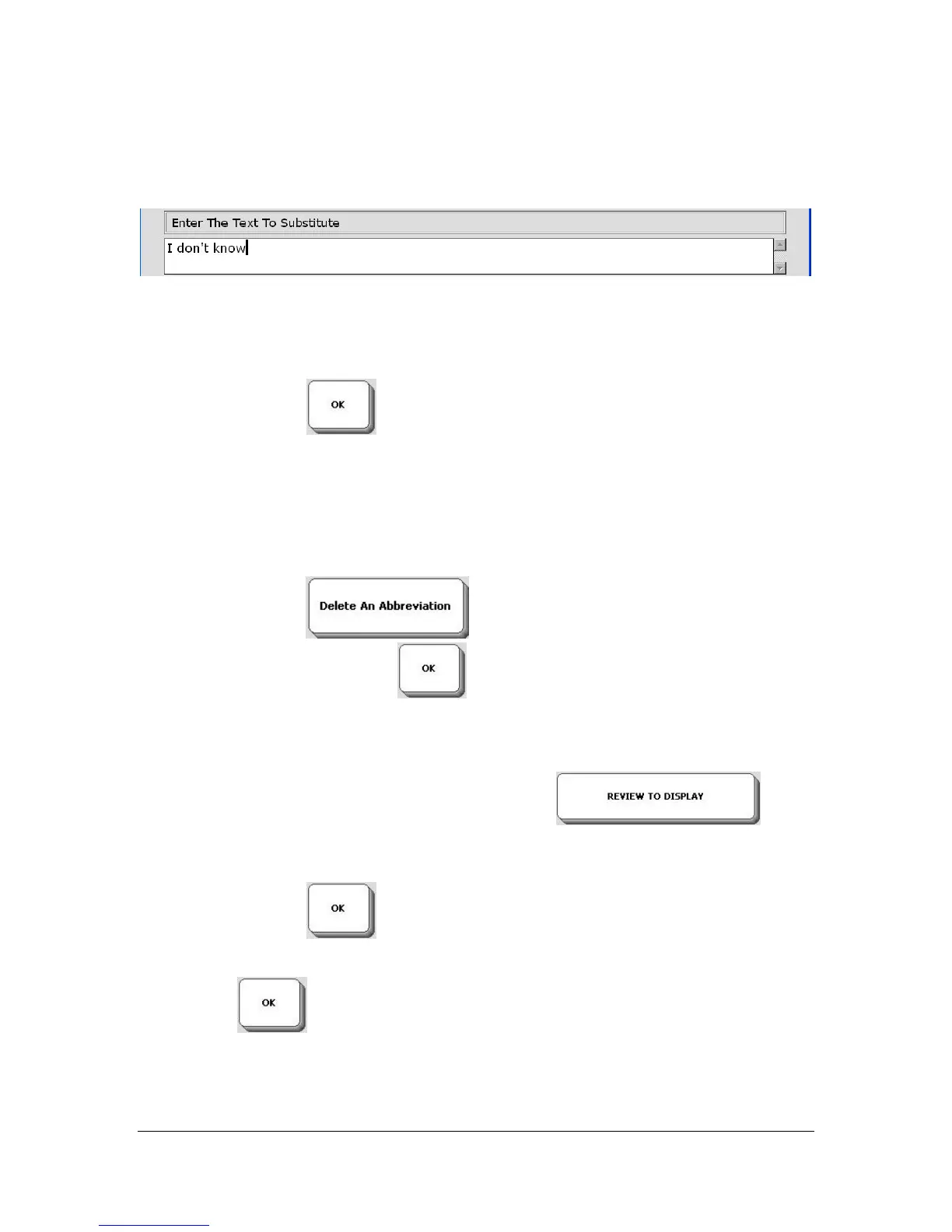
You are now asked to enter the text for the abbreviation.
Enter the word or words for your expanded abbreviation. In this example we
want "idk" to stand for "I don't know." Type "I don't know."
Select the OK key
You return to the Abbreviation Expansion Menu.
To delete an abbreviation and its expansion select the Delete An
Abbreviation key
, type in the abbreviation you want to
delete and select the OK key
. The abbreviation and its expansion
will be deleted.
If you select the REVIEW TO DISPLAY key
, you
can see all the abbreviations you have added to your device.
Select the OK key to exit the ABBREVIATION EXPANSION
Menu.
Select OK
again to exit the WORD PREDICTION Menu.



 To Next Page