CUSTOMIZING ESSENCE
Essence|VT Easy Start
60
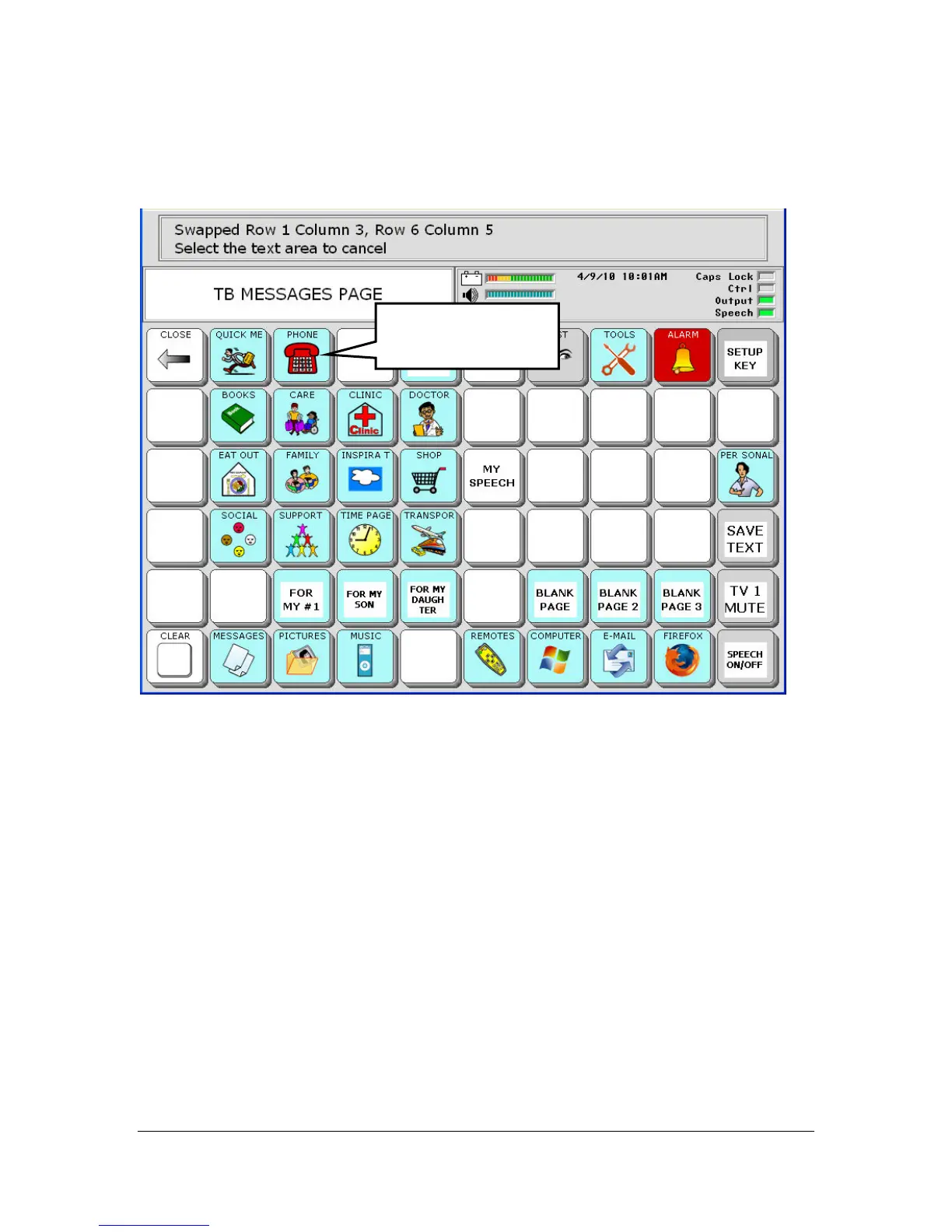
The keys are swapped.
You can continue to select keys to swap.
When you have finished, select the Text Display Area.
Select the OK key in the Setup menu to save your work and exit the
menu.
If you swap keys by mistake, select the Text Display Area, select Swap
Page Keys, and repeat the above steps until you have your keys placed
where you want them.
PHONE has been
swapped.



 To Next Page