CUSTOMIZING ESSENCE
Essence|VT Easy Start
65
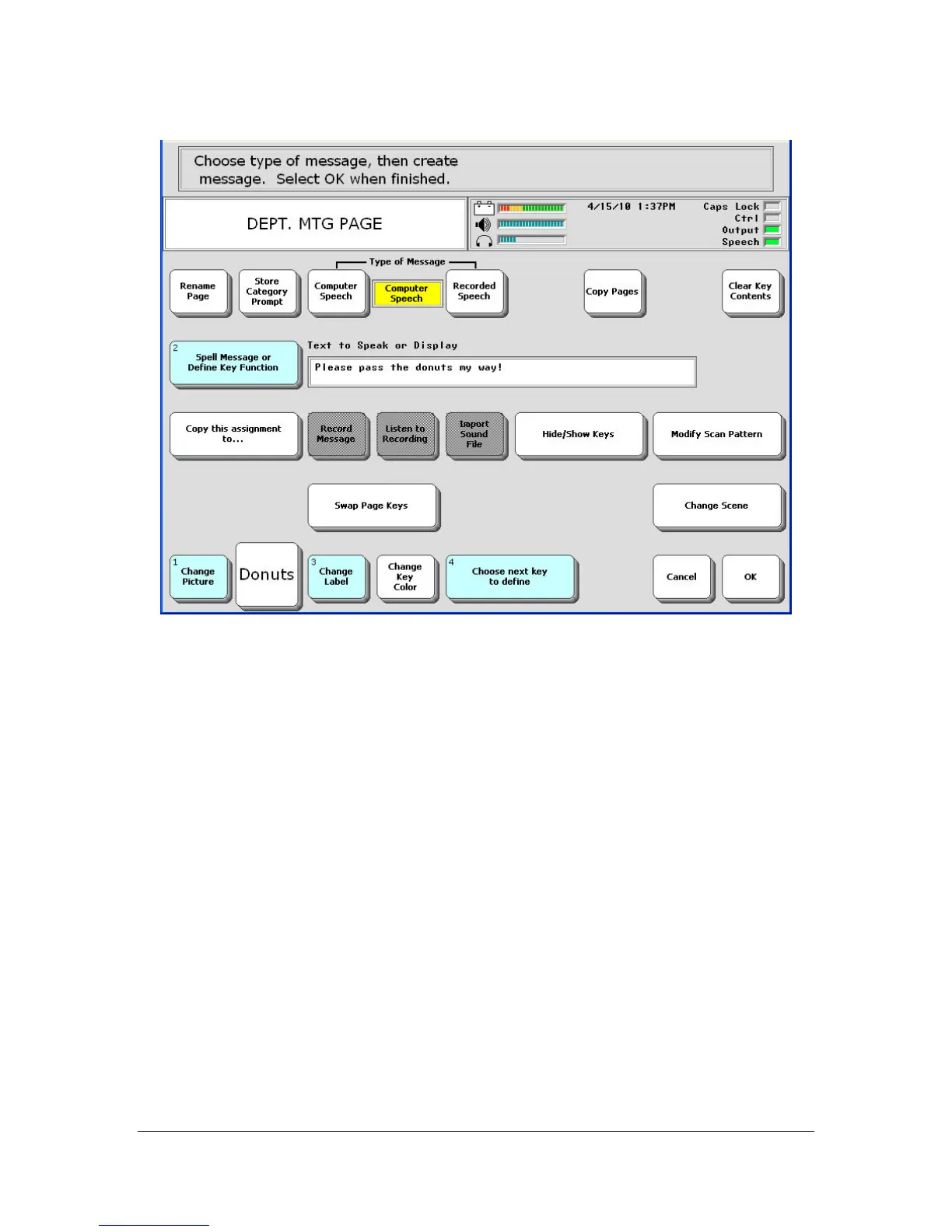
You can select the Change Picture key, then select Clarity and navigate
through the pictures to find one you might like to use on your key. For
now, we will leave the key as it is.
You can select Choose next key to define, and continue to store your
messages for your meeting under keys on your page. For this example,
let's select the OK key to exit this menu
You return to the Toolbox.



 To Next Page