CUSTOMIZING ESSENCE
Essence|VT Easy Start
67
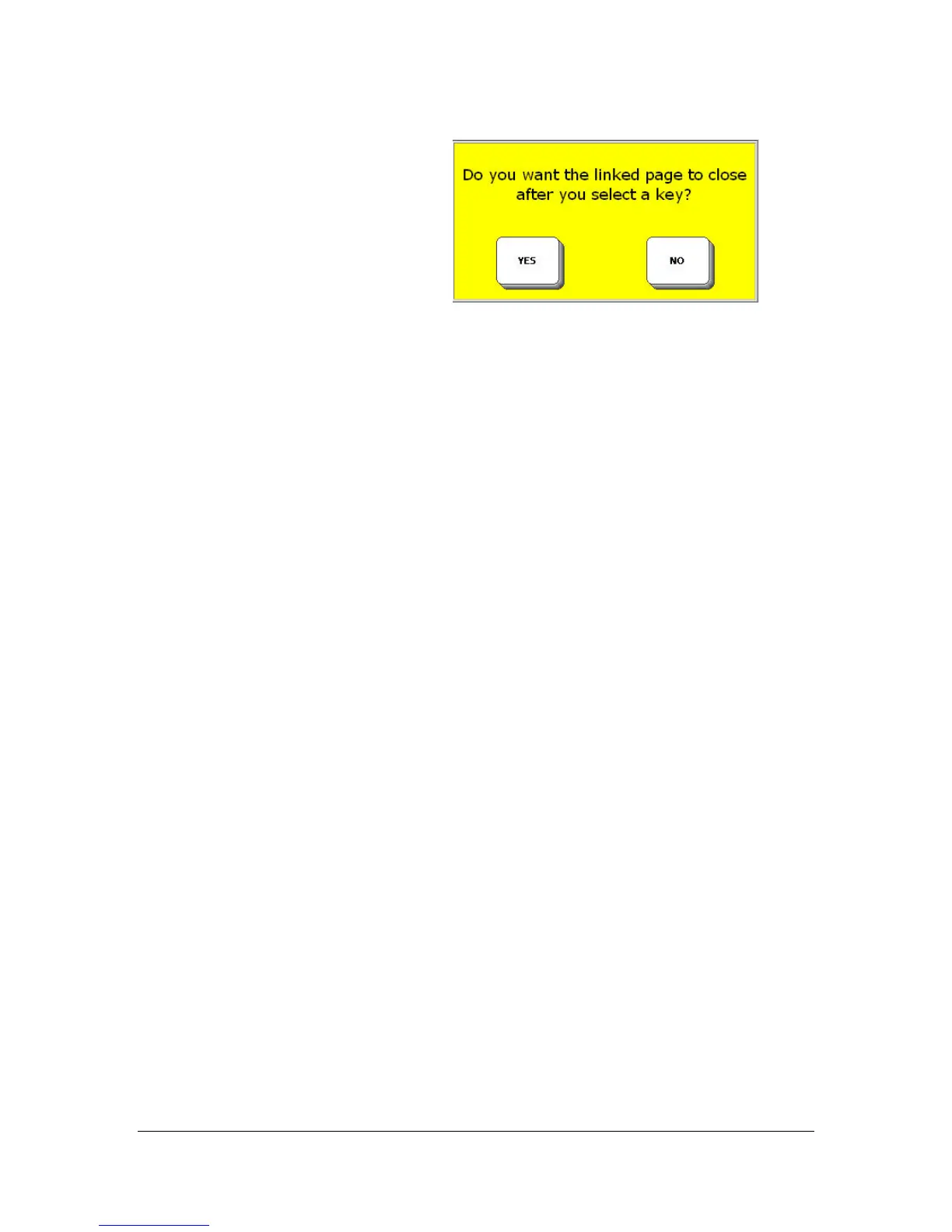
You see a yellow message box:
If you select YES, you will be able to go to your linked page, make one
selection, and then return automatically to your original page.
If you select NO, you will go to your linked Page and stay there.
Since your page contains messages for a whole meeting, you want to be able
to stay there, so select NO.
Now you see the Pages menu. This is where you need to remember the name
of your page.
The pages are listed alphabetically.
Use More Items until you see the name of your page, e.g., Dept. Mtg., then
select it. You can also select the Spell page to find key, spell the first few
letters of your page and select OK to find your page.
Select OK again.



 To Next Page