CUSTOMIZING ESSENCE
Essence|VT Easy Start
76
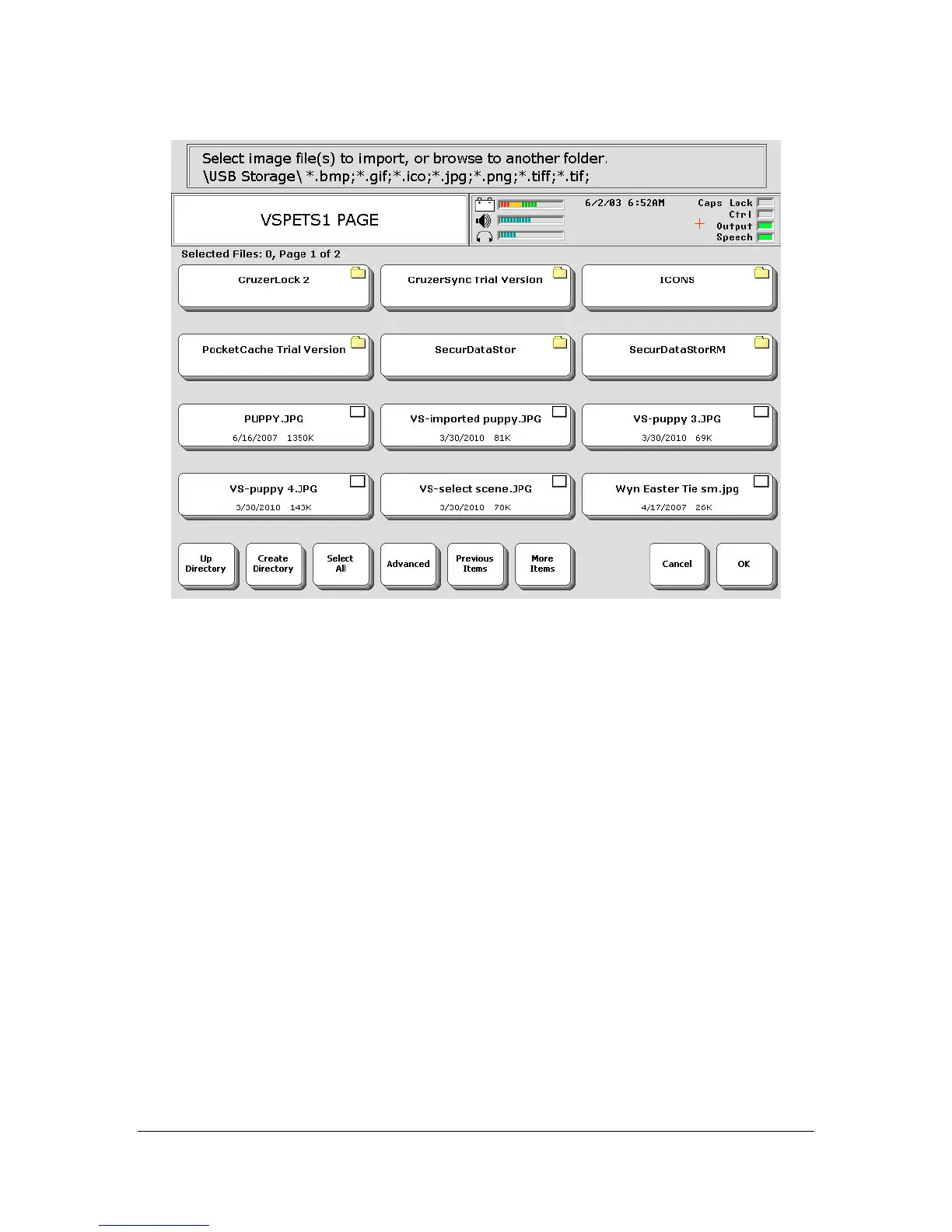
Your USB drive may have more, or less, files on it.
You see the contents of your USB drive. Select the picture you want to use.
When you select the picture, a check mark will appear in the small box in
the top right corner of the key.
Select the OK key when you are finished.
If you have a lot of files on your USB drive, you may need to select the
More Items key in the bottom row to find the picture you want.



 To Next Page