FIRST STEPS
Essence|VT Easy Start
9
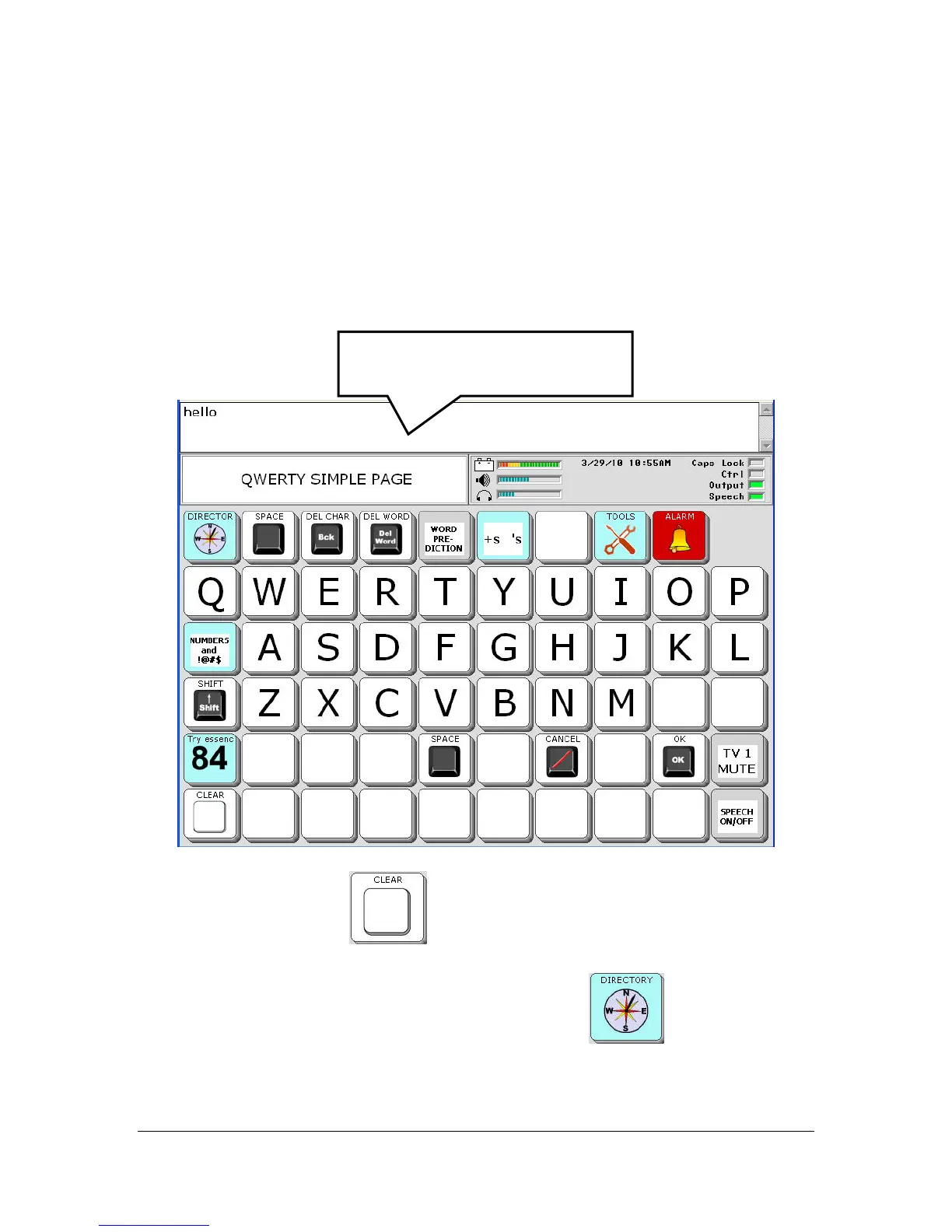
Spell a Message
Before you return to the DIRECTORY, you might like to spell a message to
speak.
Type a message on the keyboard.
To hear the message spoken, press or select the Text Display Area where
your message appears.
Select the CLEAR key
. This clears the Text Display Area.
When you are ready, select the DIRECTORY key
to return to the
DIRECTORY.
Press or select in this area to
hear your message spoken.



 To Next Page