Programming
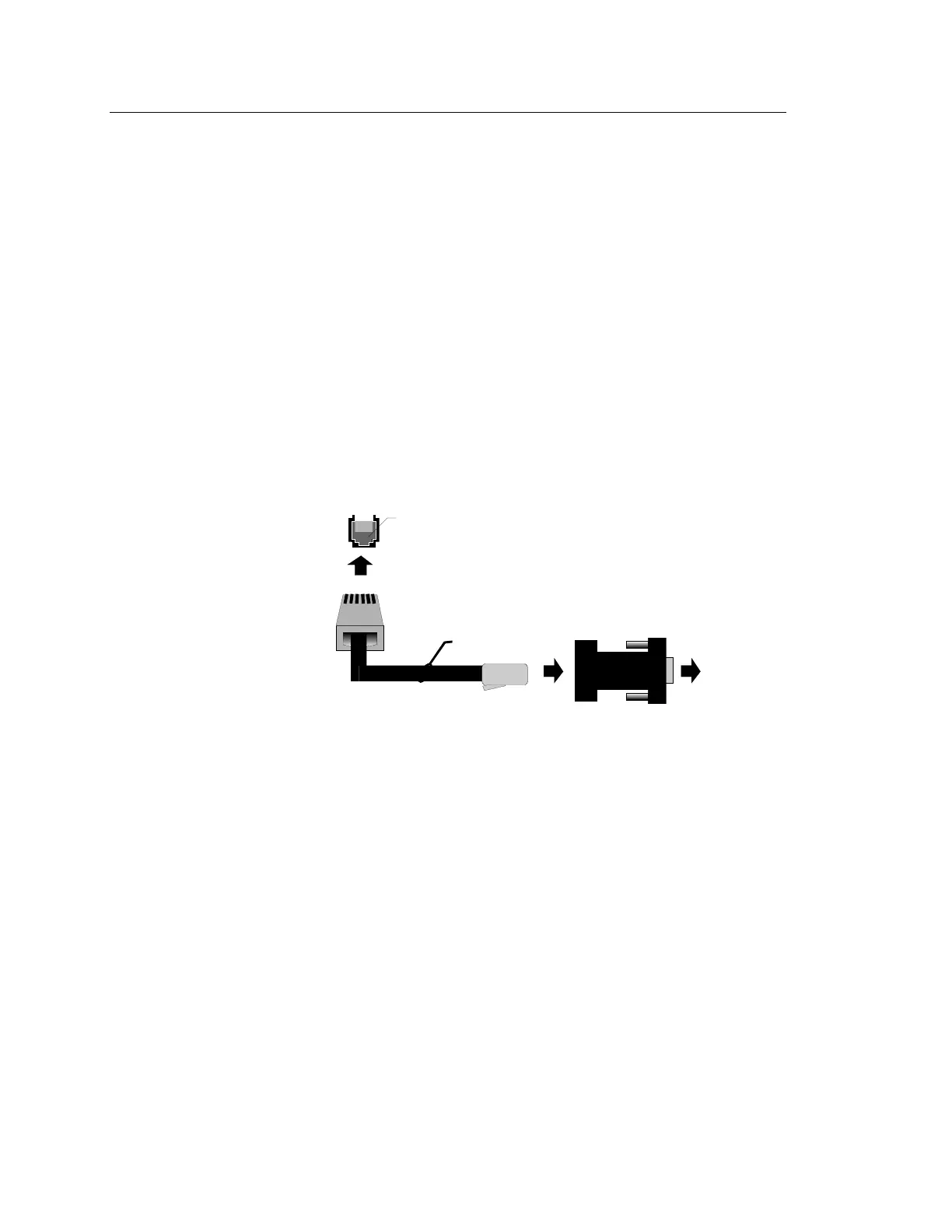
LSRA to PC Connections
This procedure is only required when downloading data to LSRA
panels.
The LSRA-PROG Programming Port board must be removed after the
download is finished., If a LSRA-232 Printer/Programming Port is
used, it can be removed, if it is not required for printer or other
communications function.
1. With the computer power OFF, plug the DB-9 connector cable
into the serial port of the computer to be used for downloading.
Restore power to the computer.
2. With the program running, verify that the serial port setting in the
LSRA configuration program is the correct one for the computer's
serial port.
Note: During download and upload operations, internal computer
timing is critical. It may be necessary to reduce background computer
activity by removing any Terminate and Stay Resident (TSR) and/or
memory management programs for proper download/upload operation.
P/N 360163
RJ11 on LSRA-232 P
inte
P
og
amming Po
t
RJ11 on LSRA-PROG Programming Port
(XMDNDOWN.CDR)
TO PC
SERIAL POR
RJ11 to DB9
P/N 240507
Figure Chapter 4-1: Download Wiring
4.32 LSRA Installation, Operation, Maintenance, and Configuration Manual



 To Next Page