Ext. Control: USB (OPTION)
28 ET System electronic GmbH
EXT. CONTROL: USB (OPTION)
The USB interface provides a virtual COM port for the PC. Via this port, the unit can be controlled as with a normal
RS232 interface, e. g. with a terminal program. Corresponding drivers for all current operating systems are available as
download: http://www.ftdichip.com/Drivers/VCP.htm.
The status word can be read with the command <STB> or <*STB?>.
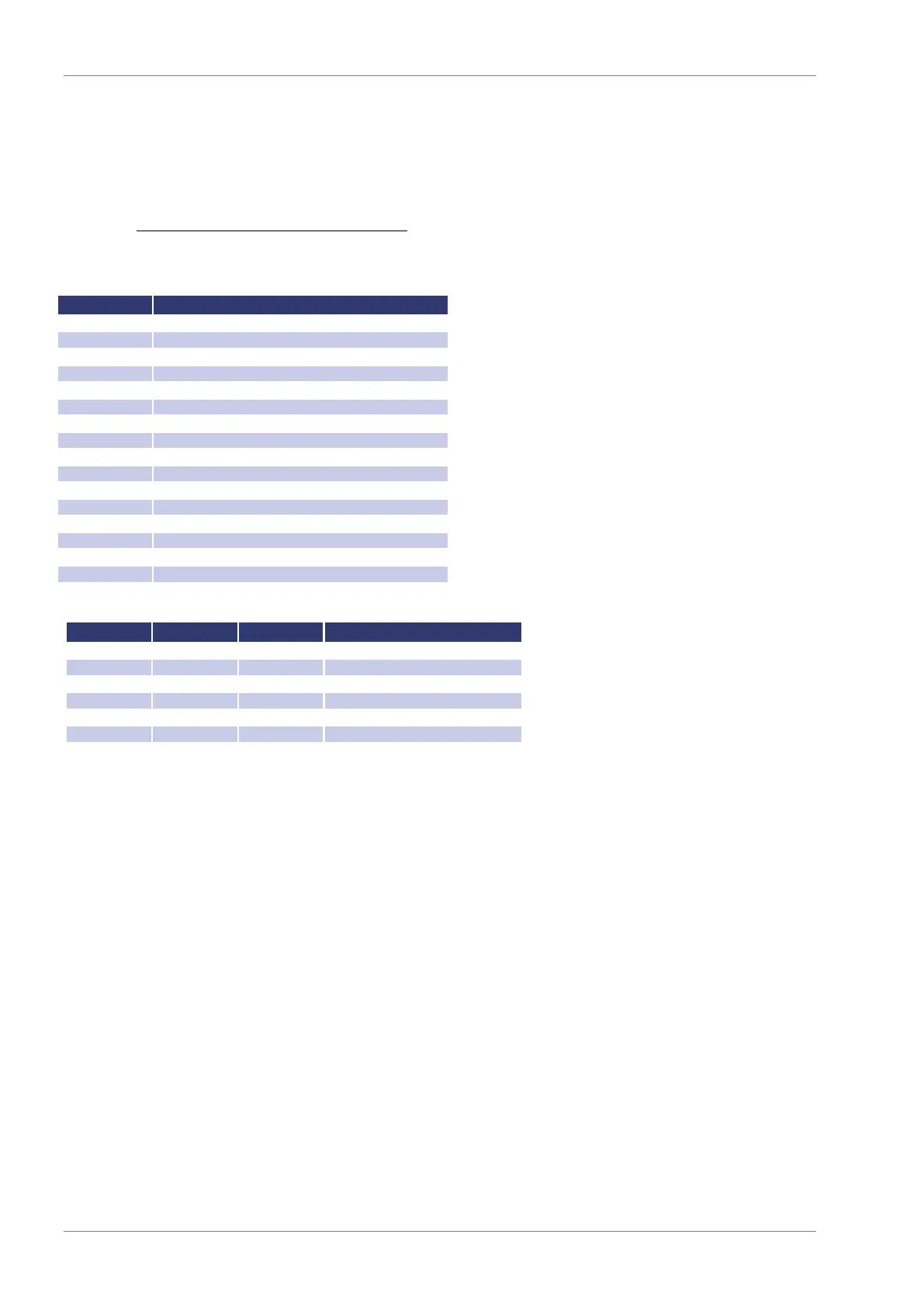
used internally, can be 1 or 0
Hardware handshake (RTS/CTS)
Software handshake (XON/XOFF)
Parity mode (1 = odd, 0 = even)
Stop bit (1 = 2 Stop bits; 0 = 1 Stop bit)
Data format (1 = 8 bit; 0 = 7 bit)
used internally, can be 1 or 0
Table: Error messages
The defined character for XON is 0 x 11 and for XOFF it is 0 x 13.
Interface parameters are adjusted by software with the command <PCx> and afterwards they can be saved with the
command <SS>.
Interface Reconfiguration
In case, the user has forgotten the active setup, there are two ways of reconfiguring the interface:
sending the command <PCx> from one of the other interfaces
using the display to configure the interface Interface Parameters


 To Next Page