ETC Installation Guide
ColorSource CYC v1.6
ColorSource CYC v1.6 Page 12 of 12 ETC
Quick reference
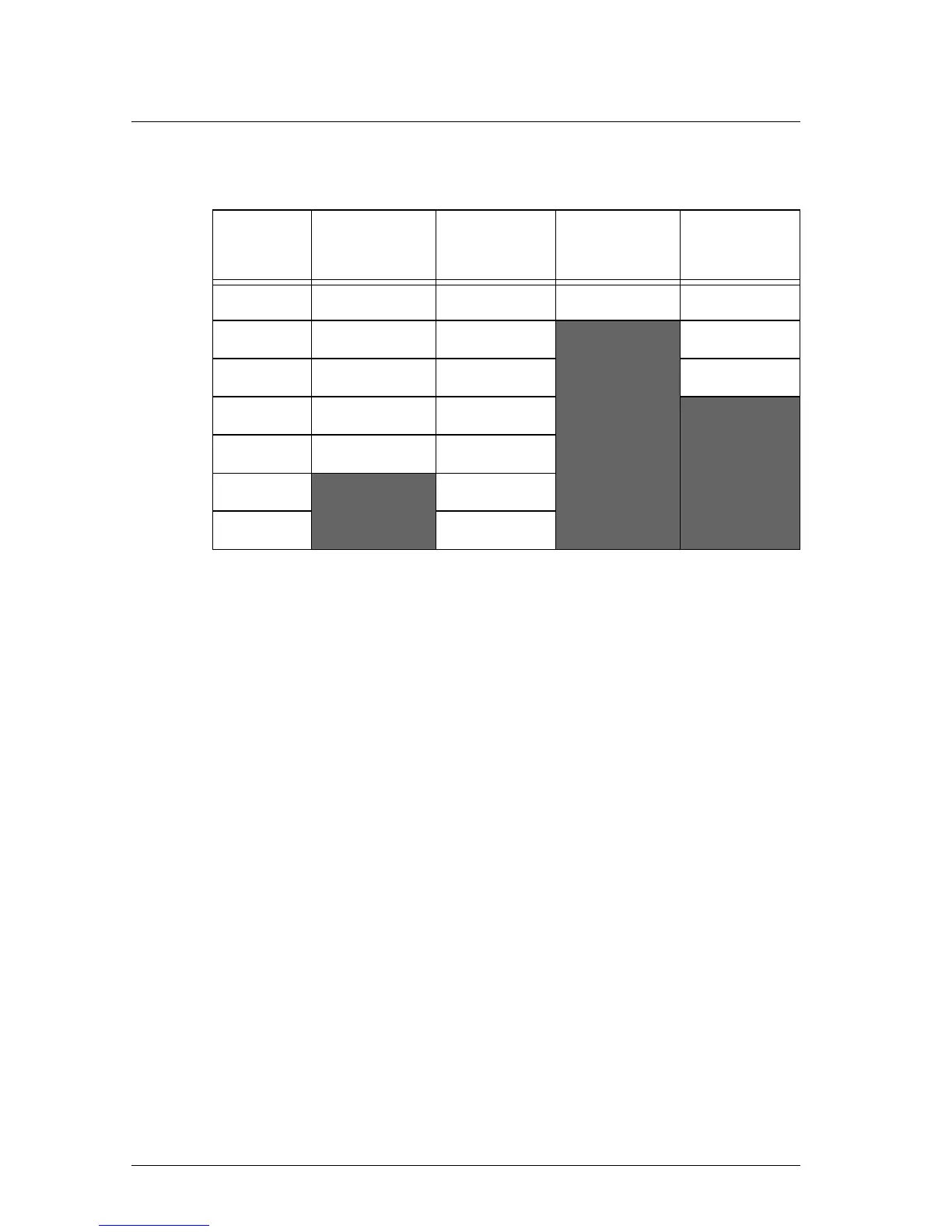
DMX control channels
Error codes
There are three error codes that may be shown on the user interface.
• : Screen toggles between and to indicate a problem
with the color calibration. The fixture will need to be returned to the
ETC factory; contact your local dealer to set up a repair.
•
: Screen toggles between and to indicate that the
fixture has gone into over-temperature protection mode to avoid
damaging the fixture. Once the fixture has self-cooled, the error will
automatically clear.
•
: Screen toggles between and to indicate that the
upgraded fixtures have a software issue. Reload software to clear the
error. If the error persists, contact ETC.
DMX
Channel
(5 Channel)
(Direct)
(1 Channel)
(RGB)
1 Intensity Intensity Intensity Red
2 Red Red
Green
3 Green Green Blue
4Blue
Blue
5 Strobe Indigo
6
Lime
7
Strobe



 To Previous Page