Setup Menu 14
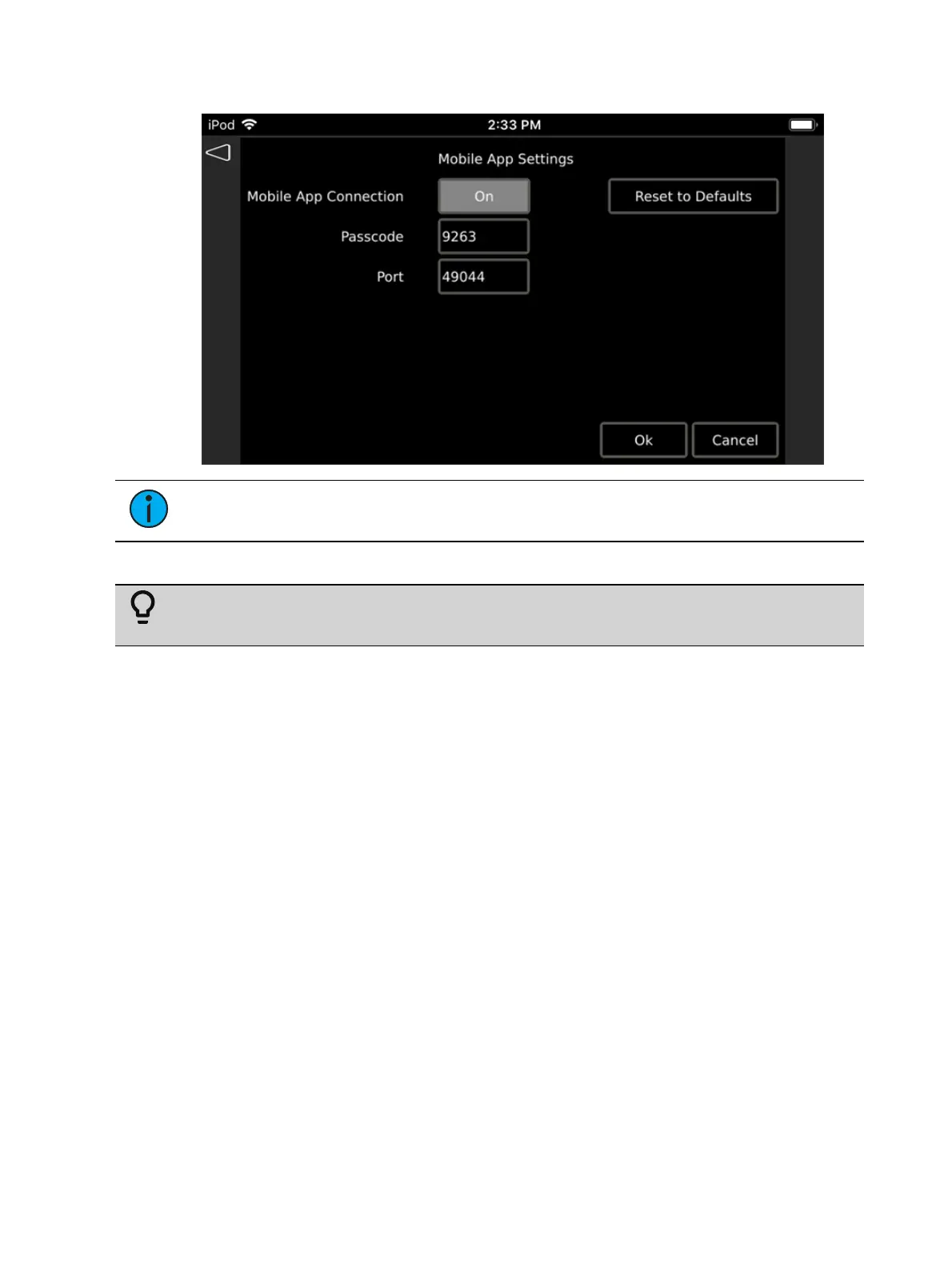
the field blank to disable the passcode requirement.
Note:
A passcode may be required when connecting to the P-TS7 using the
Touchscreen Remote App.
Port: UDP port. The port defaults to 49044.
Tip: When the UDP port is not default (49044), you must specify the port number with
the IPaddress in the Touchscreen Remote App. For example, 10.101.15.101:49045.
Pressing the {Reset to Defaults} button resets the Mobile App Settings to factory defaults:
Toggles the Mobile App Connection Off
Resets the passcode to a new random four-digit code
Resets the Port to 49044.



 To Next Page