Setup Menu 16
Timed Events
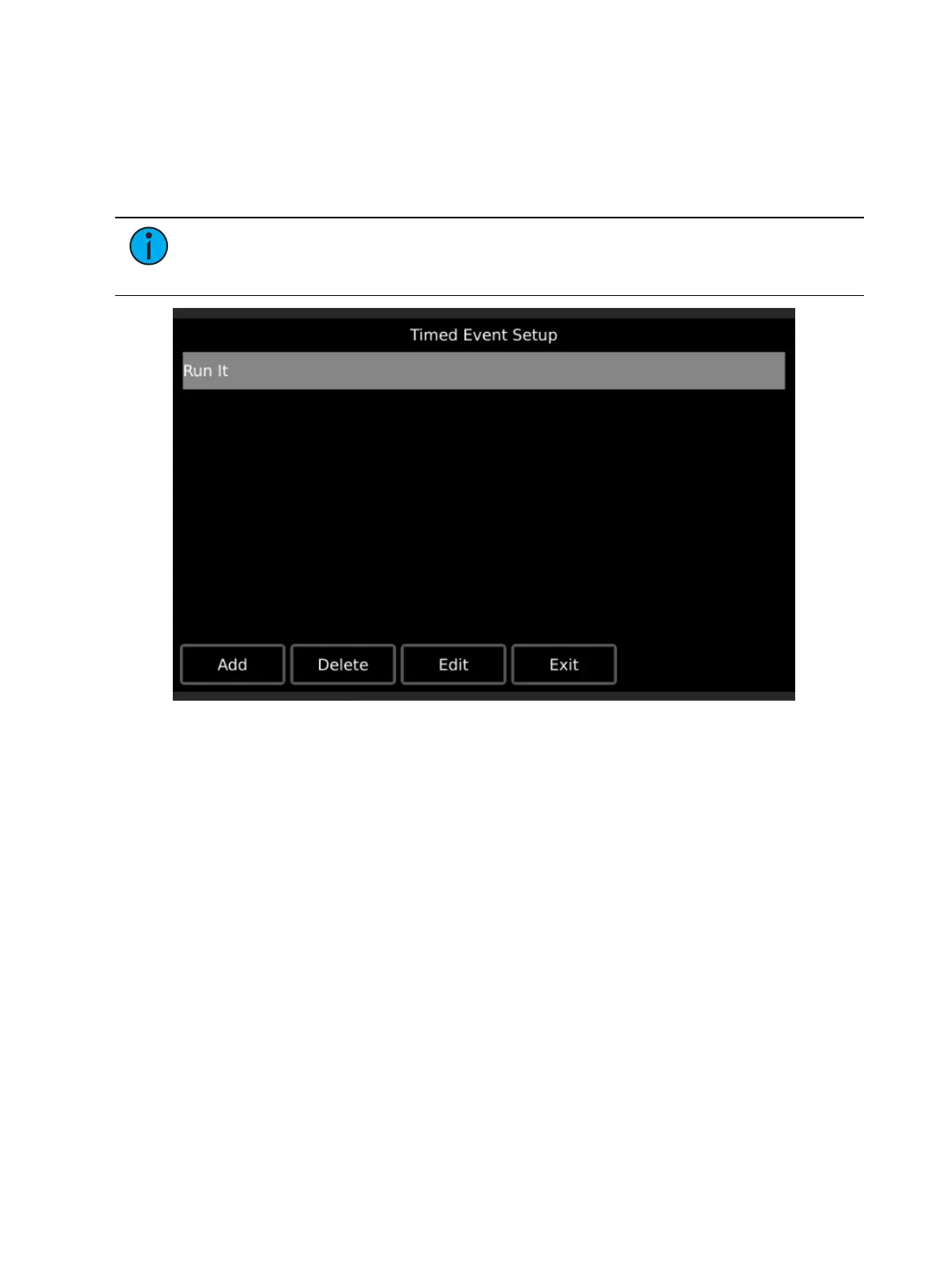
Timed Events setup is a passcode protected page. Press the {Timed Events} button on the
Config
page and enter the setup passcode to view and edit timed events.
The Timed Event Setup page allows users to add, edit, and delete timed events. All created
timed events are shown.
Note:
ControlDesigner provides a page navigation action to reach a Timed Event
configuration directly. ETC recommends that you use this design feature to provide
access for end users who wish to edit timed events directly on the touchscreen.
Adding a new event and editing an event are very similar in process.


 To Next Page